How to Download a Full Backup of Your cPanel Account
Last updated Changelog
A full backup is one file containing everything in your cPanel account: website files, email, databases and settings. It’s useful to keep a copy of your own, or to move your site to another host. If you only need part of your account, such as one database, see Download part of your account below.
Make a full backup
-
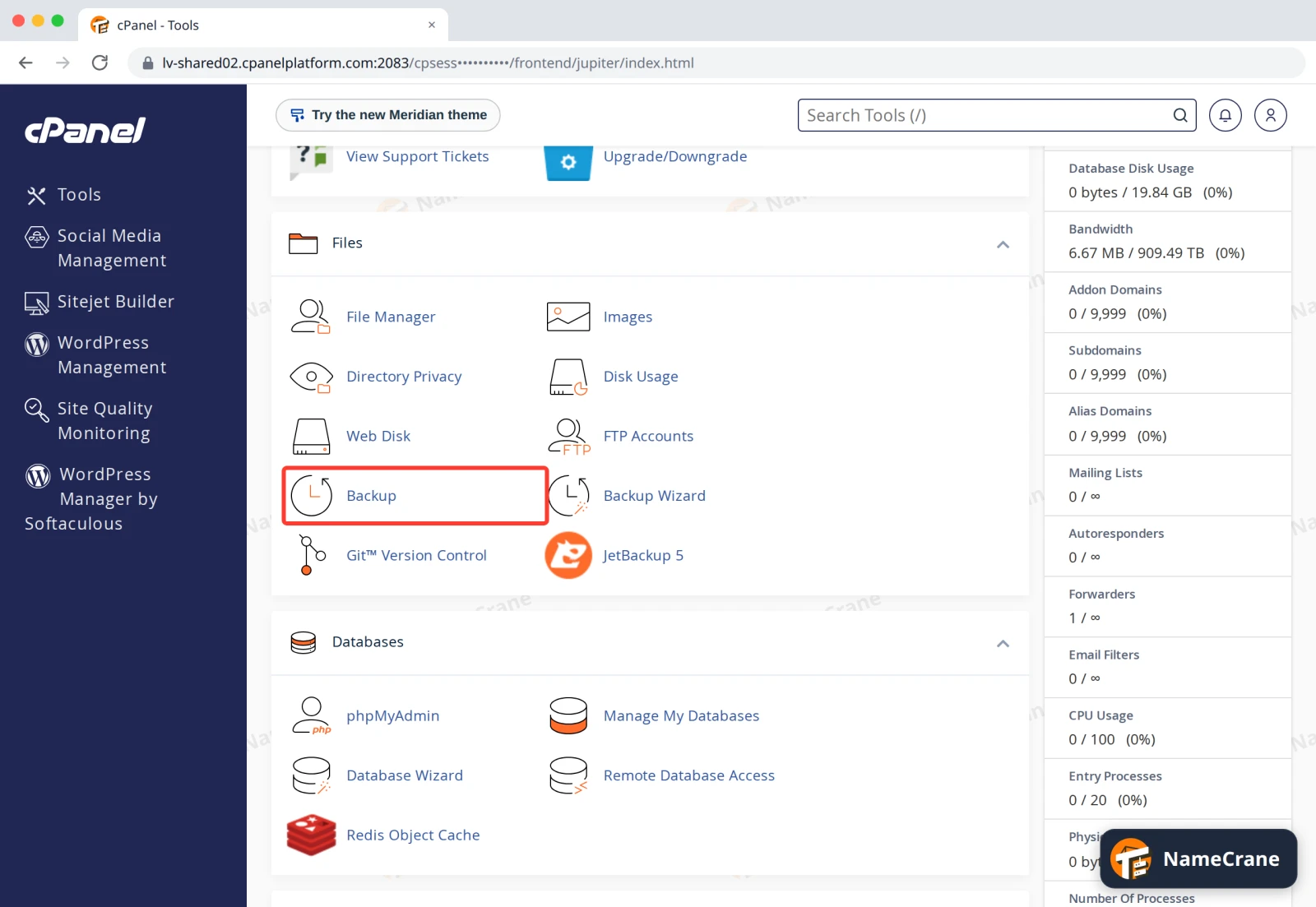
Log in to cPanel. In the Files section, click Backup.
-
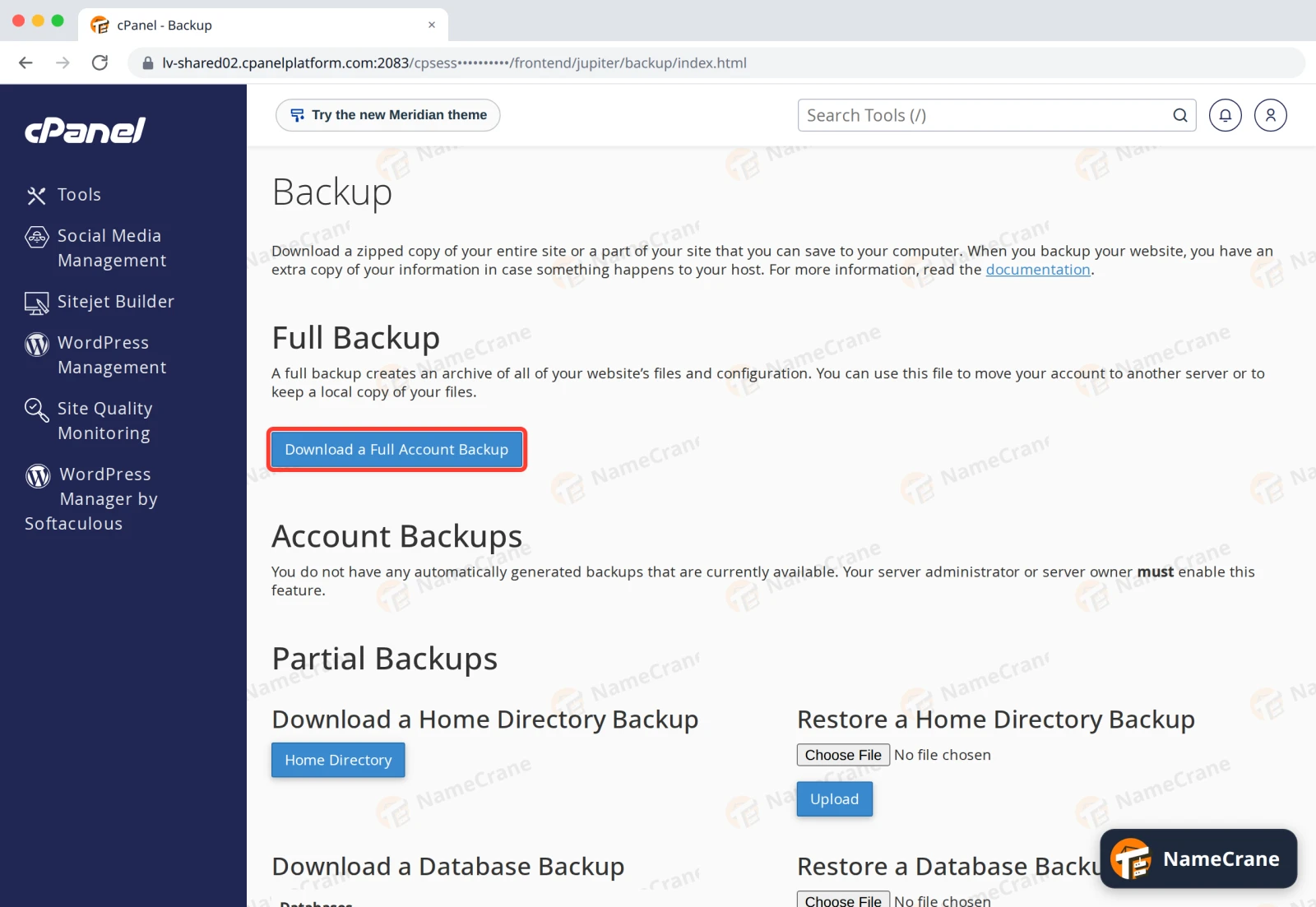
Under Full Backup, click Download a Full Account Backup.
-
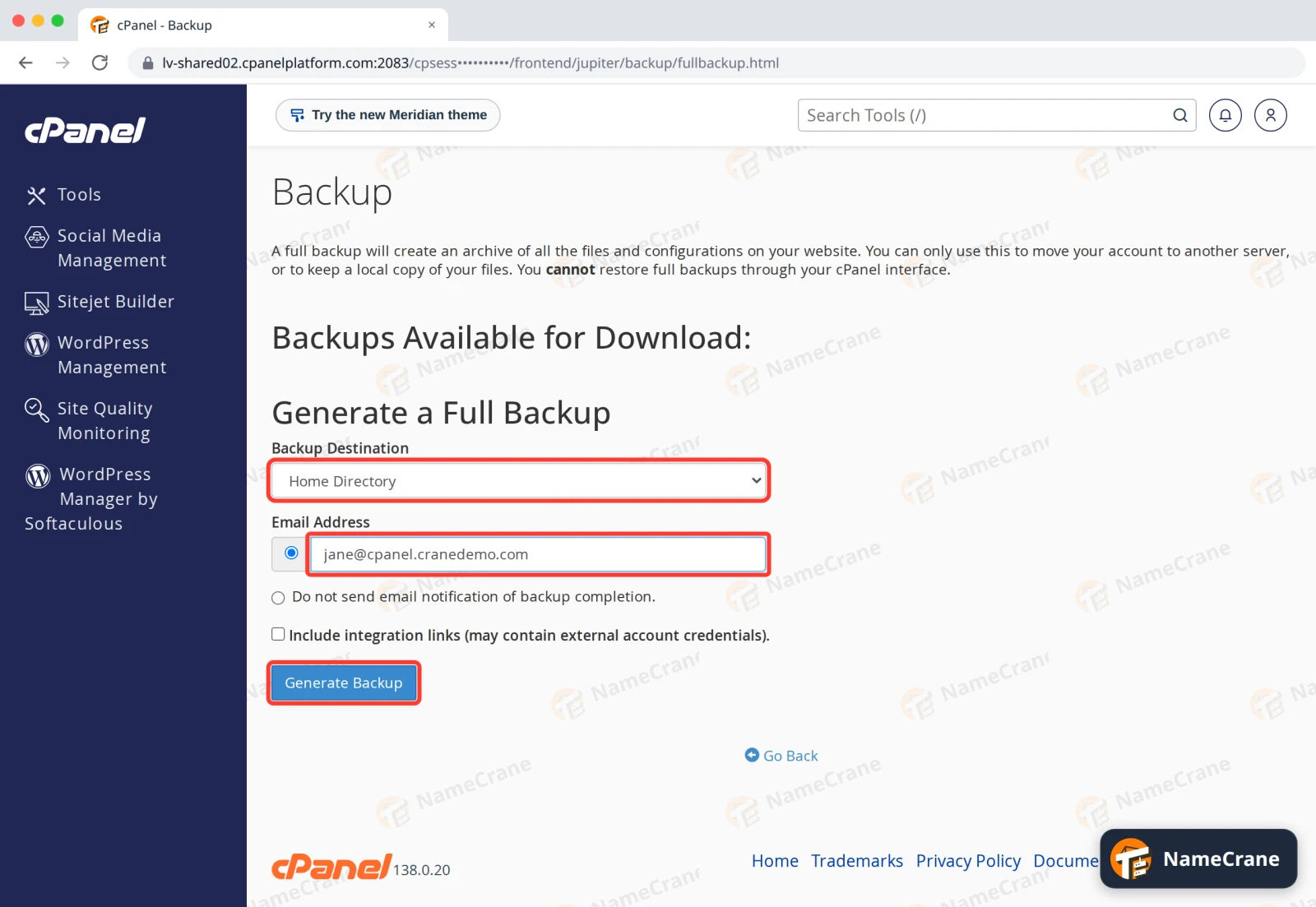
Leave Backup Destination as Home Directory. In Email Address, enter the address to tell when the backup is ready. Leave Include integration links unticked, then click Generate Backup.
-
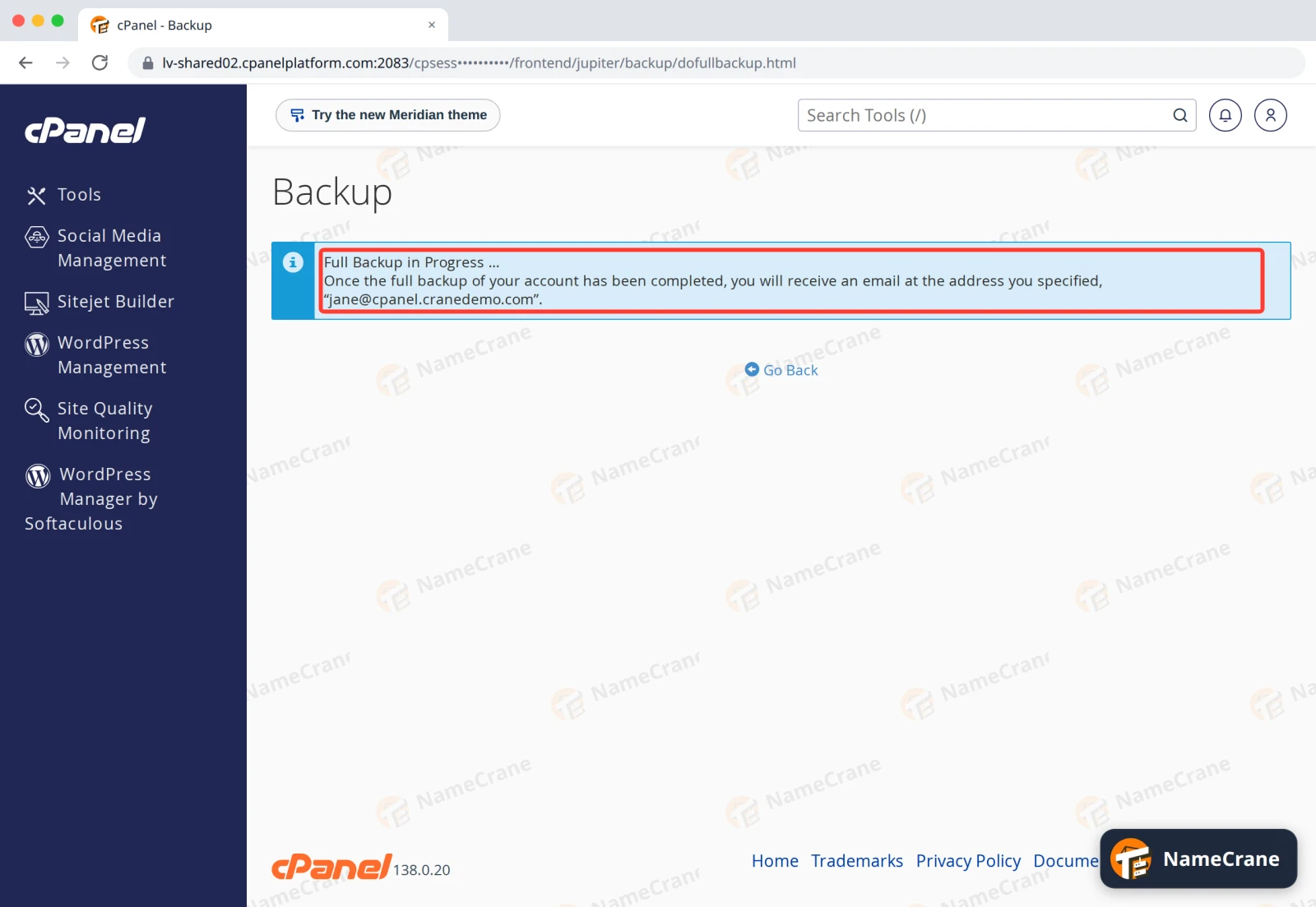
cPanel shows Full Backup in Progress and emails you when it’s done. Our 50 MB test account took under a minute. Bigger accounts take longer.
-
When the email arrives, go back to Backup › Download a Full Account Backup. Your backup is listed under Backups Available for Download, named
backup-date_time_username.tar.gz. Click it to download it.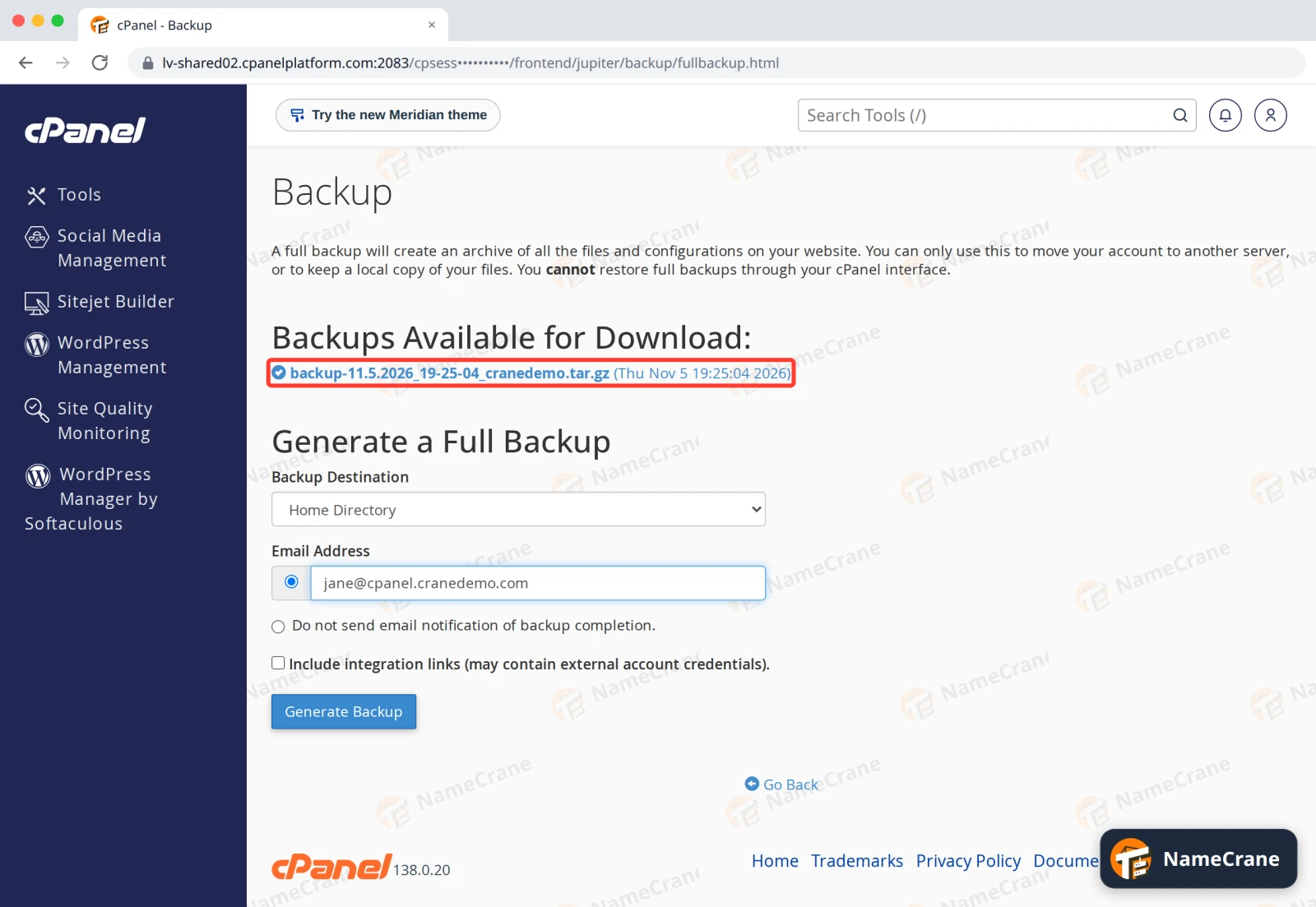
Warning: The backup contains all your email and databases. Keep it somewhere safe. It’s also saved in your account’s home directory, where it uses your disk space, so delete it in File Manager once you’ve downloaded it.
Note: cPanel can’t restore a full backup by itself. It’s meant for moving to another server or keeping your own copy. To get files back from NameCrane’s backups, see Restore a backup.
Download part of your account
-
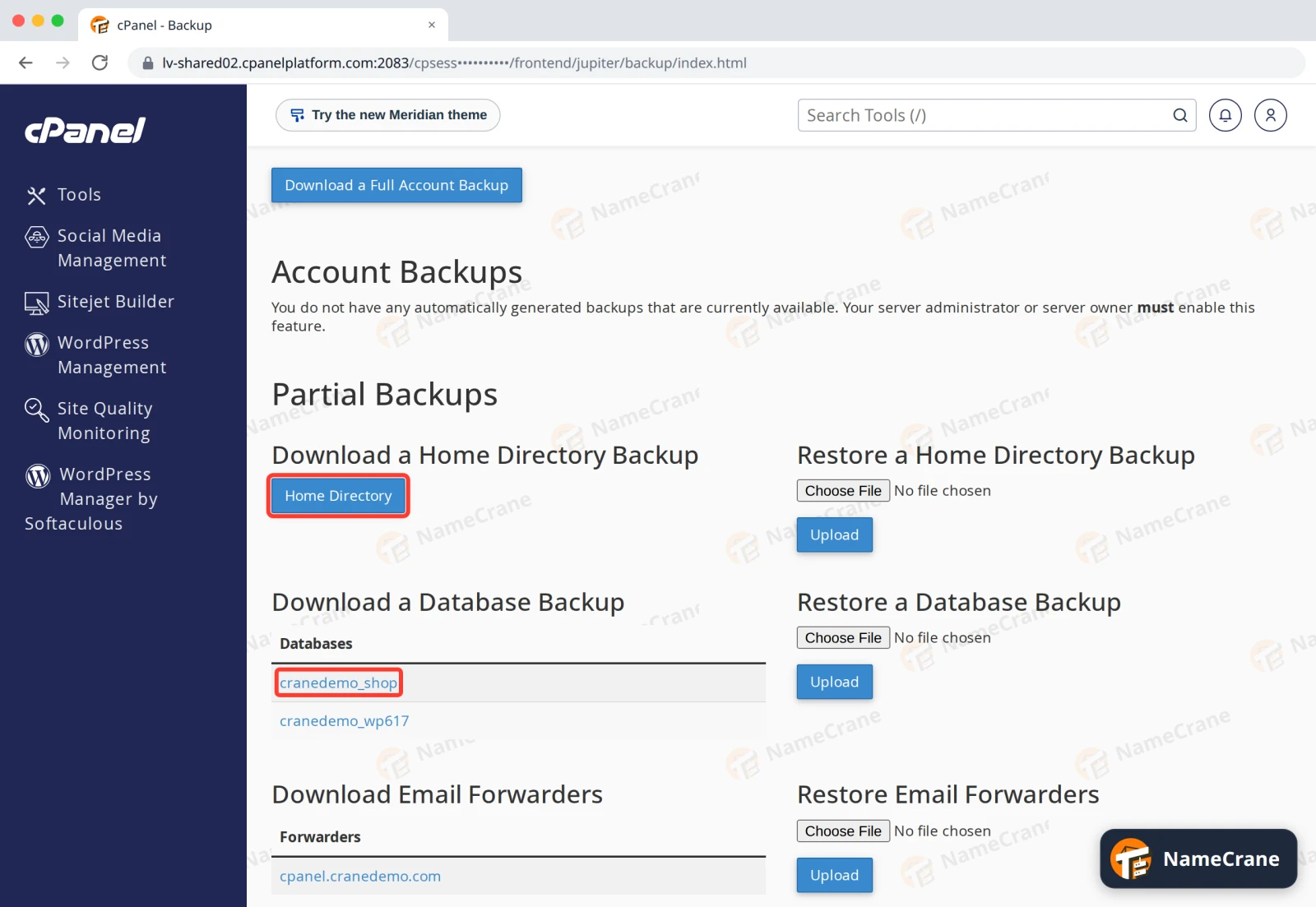
On the Backup page, Partial Backups let you download one part straight away: click Home Directory for your files, a database name for that database, or a domain under Email Forwarders. Each part has a matching Restore button with Upload next to it.
Troubleshooting
| Problem | What to do |
|---|---|
| The email hasn’t arrived | Check your spam folder. Large accounts can take a while, so check Backups Available for Download again later. |
| The backup failed or stopped | The backup is saved in your account first, so it needs free disk space roughly the size of your account. Free some up, or use Partial Backups instead. |
| I want to restore files or a database | Use the matching Restore button under Partial Backups, or see Restore a backup. |
Snagged on something? Contact support and we’ll get you sorted.