How to Log In to DirectAdmin as a Reseller
Last updated Changelog
On this page
As a DirectAdmin reseller, you have one login for two jobs. The Reseller level is where you manage your customers and packages. The User level is your own hosting: your website, email and files.
Where to log in
Either of these works, with a valid security certificate:
| Address | Example |
|---|---|
| Your server’s address, on port 2222 | https://lv-shared02.dapanel.net:2222 (your server is in your welcome email) |
| Your domain, on port 2222 | https://yourdomain.com:2222 |
Steps
-
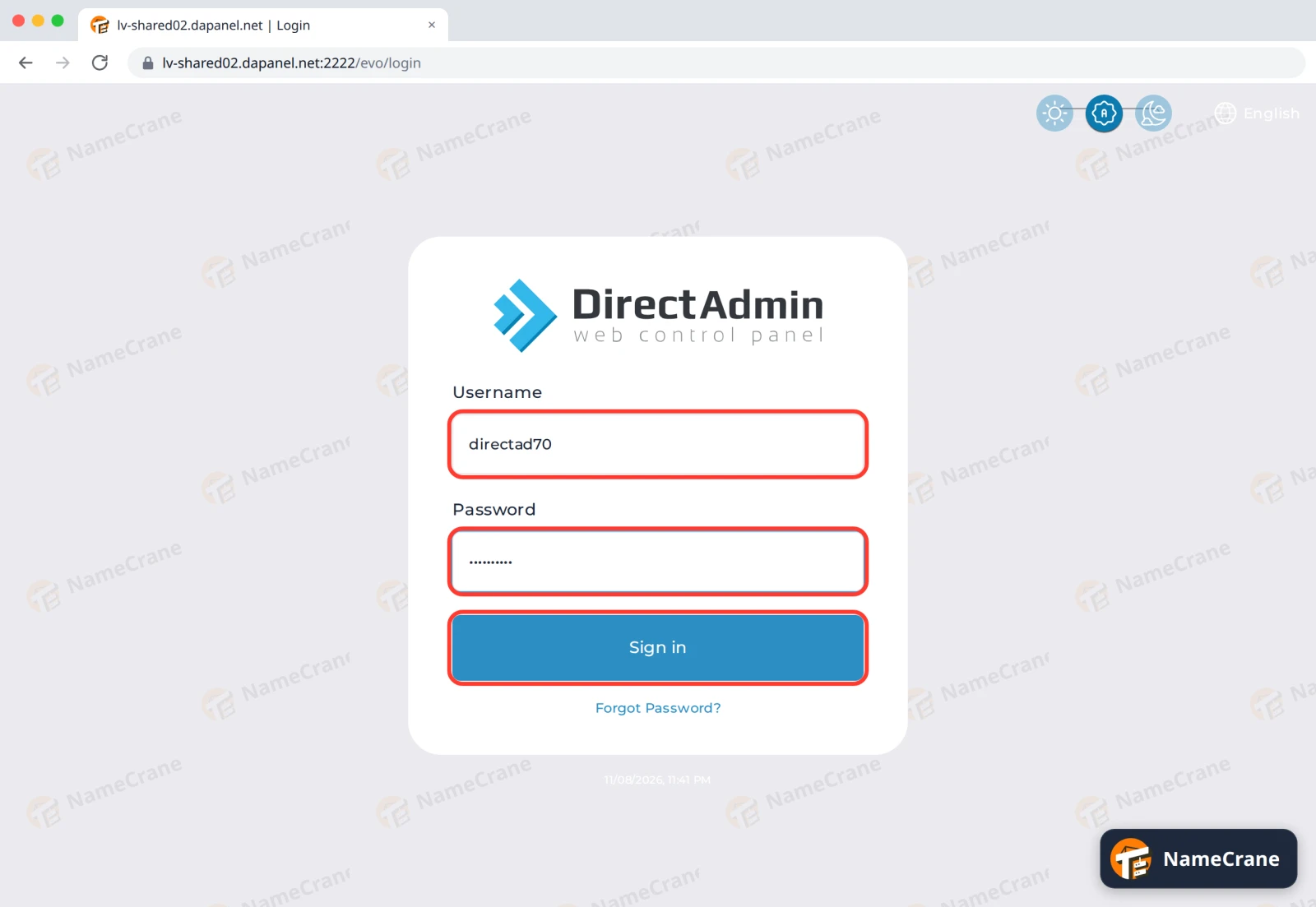
Open one of the addresses above. Enter your reseller Username and Password, then click Sign in.
-
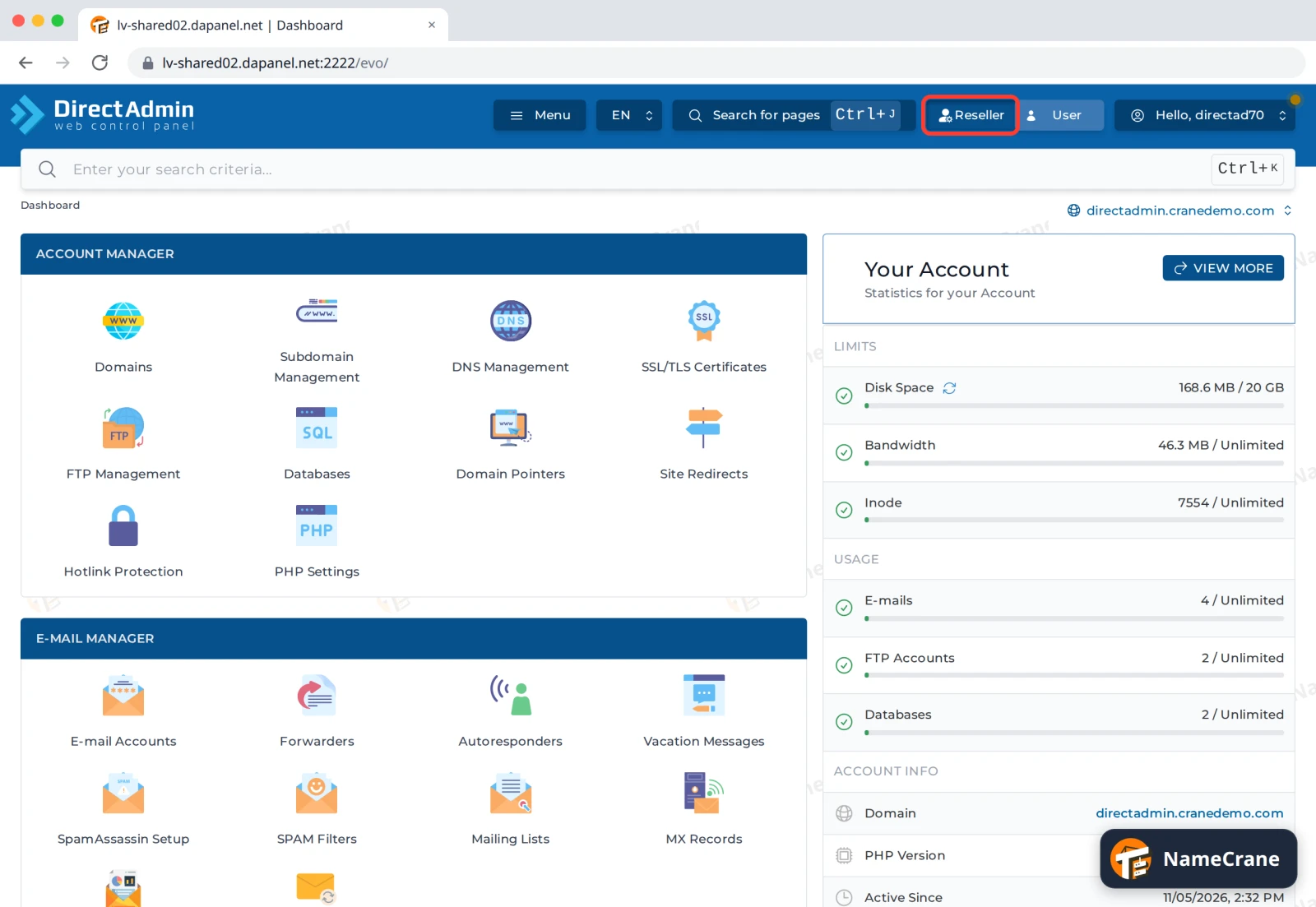
DirectAdmin may open on the User level, showing your own hosting. Click Reseller at the top to switch.
-
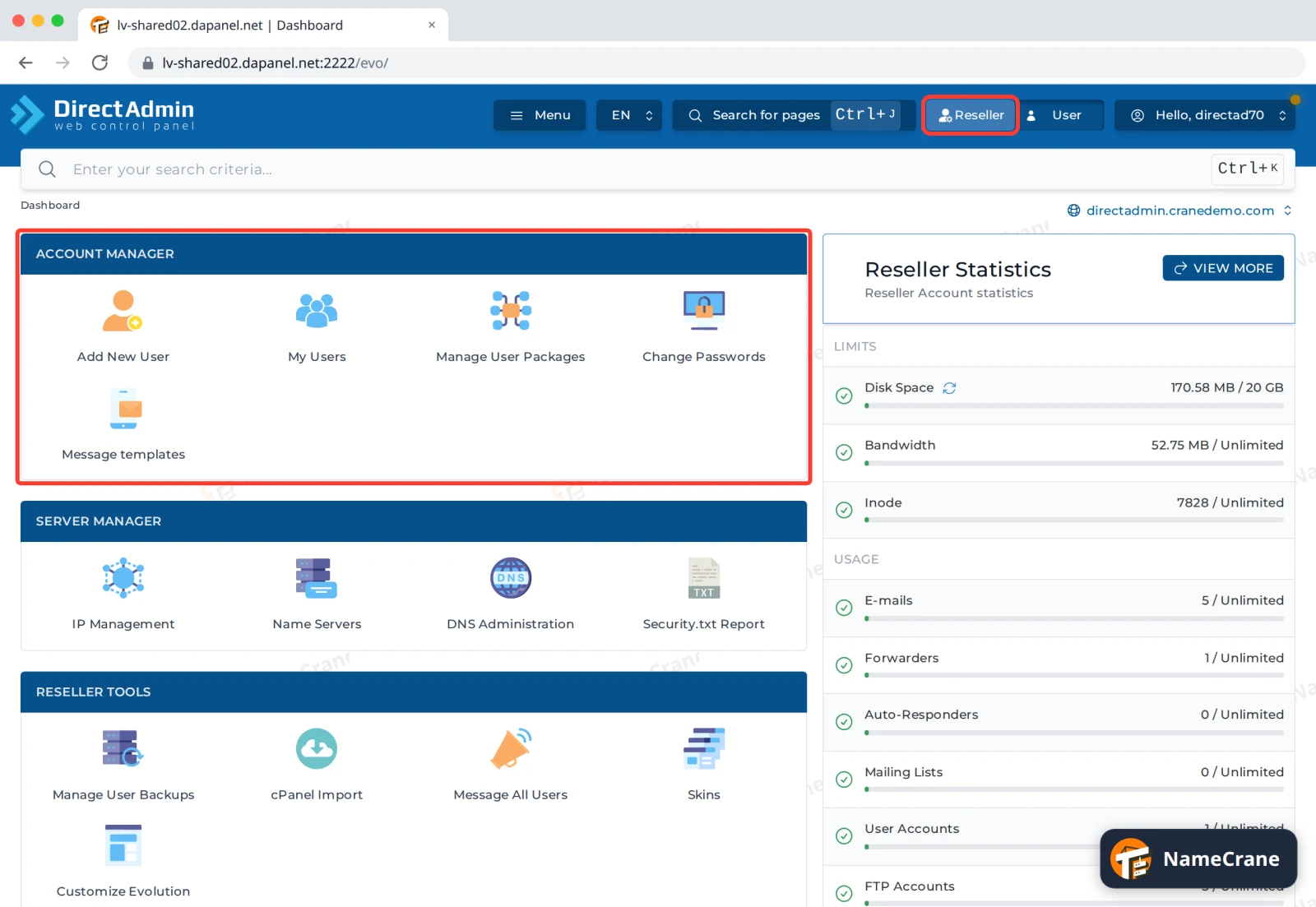
The Reseller dashboard opens. Account Manager is where you add and manage your customers. See Find your way around as a reseller.
DirectAdmin remembers which level you used last, and opens on it next time.
Troubleshooting
| Problem | What to do |
|---|---|
| There’s no Reseller switch | You logged in with a customer’s username. Log out and use your reseller username. |
| It says the login is invalid | Check your username. It’s your reseller username, not your email address. Passwords are case-sensitive. |
| I’ve forgotten my password | Click Forgot Password? under the sign-in button, or contact support. |
| The page won’t load | Make sure you included :2222. Some workplace networks block unusual ports, so try another network if it still won’t load. |
Snagged on something? Contact support and we’ll get you sorted.