Files
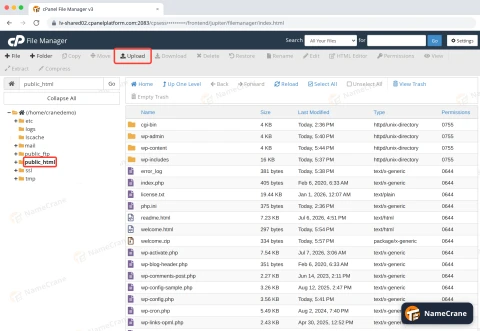
How to Use cPanel File Manager to Upload, Extract and Manage Files
Upload files to your website, unzip them on the server, and check or change file permissions, all from your browser.
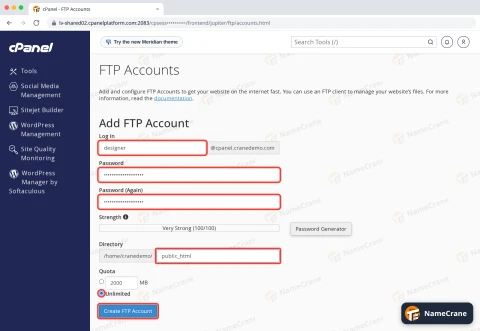
How to Create an FTP Account in cPanel and Connect with FileZilla
Give yourself or a web designer FTP access to your website files, and connect securely with an FTP app.
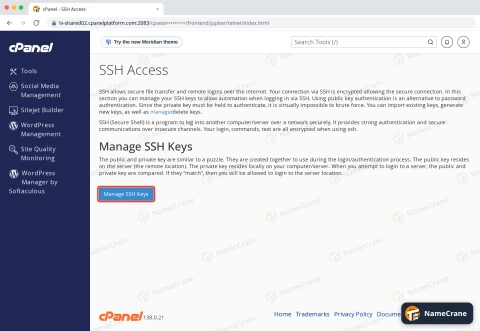
How to Connect to Your cPanel Hosting With SSH
Log in to your hosting's command line on port 53667, with your password or an SSH key, or use Terminal in cPanel.
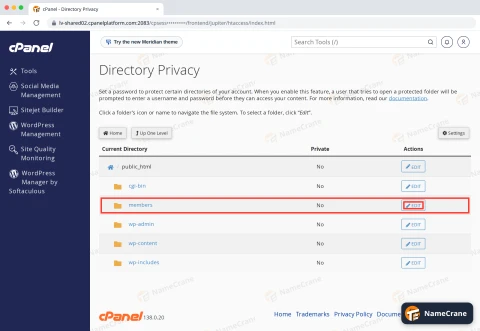
How to Password Protect a Folder on Your Website in cPanel
Make visitors enter a username and password before they can see part of your website.
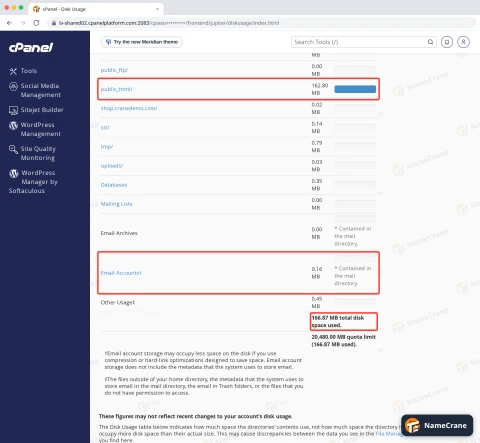
How to Check Your Disk Space Usage in cPanel
See how much of your disk space is used, and find out which folders, emails or databases are using it.