Find Your Way Around DirectAdmin as a Reseller
Last updated Changelog
On this page
The Reseller level of DirectAdmin is where you look after your customers. Switch to it with Reseller at the top of the page. See Log in as a reseller. This tour shows what’s where.
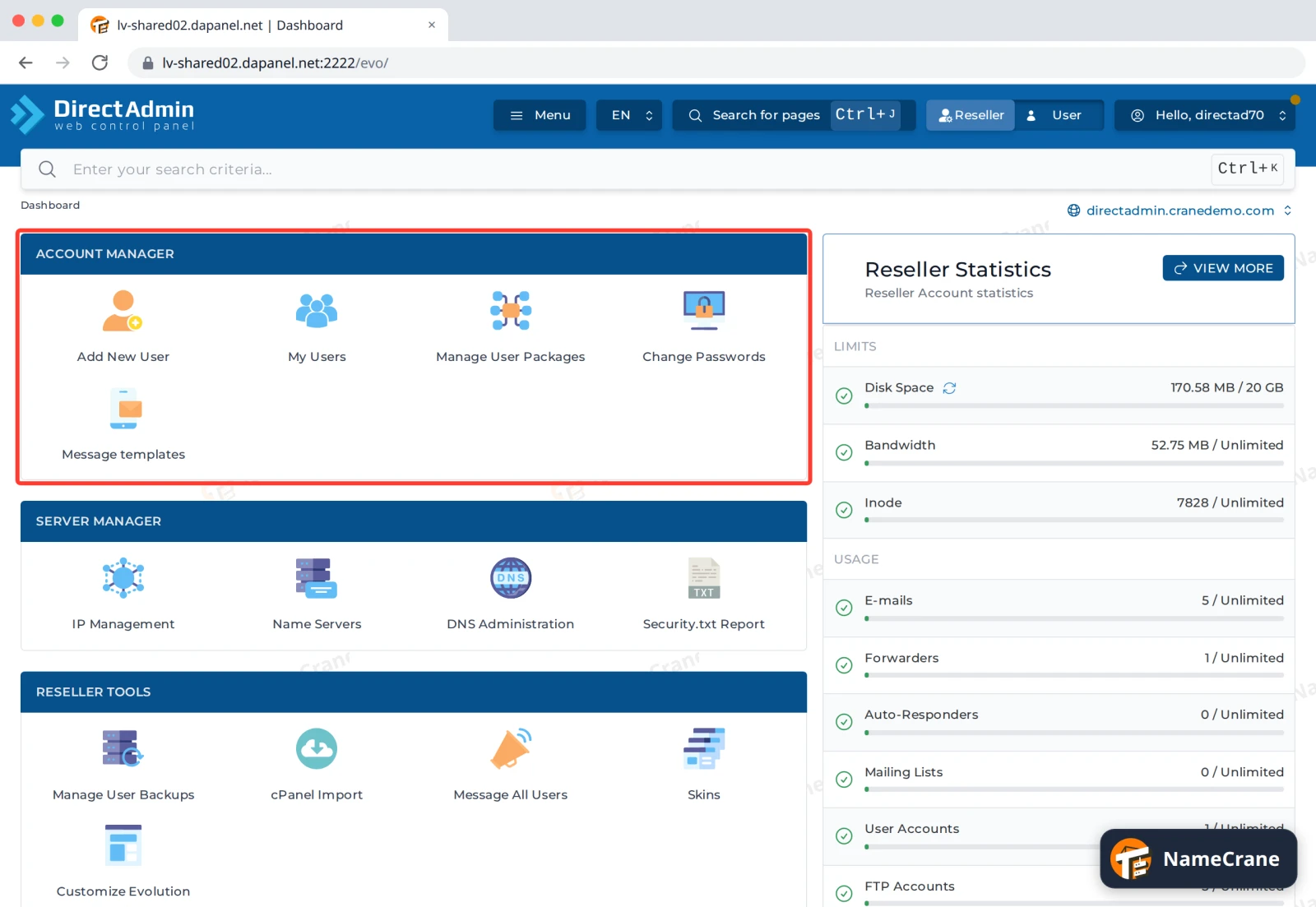
Your customers: Account Manager
| Icon | What it does |
|---|---|
| Add New User | Create a hosting account for a customer |
| My Users | See your customers, and suspend, upgrade or delete them |
| Manage User Packages | The hosting plans you sell |
| Change Passwords | Set a new password for a customer |
| Message templates | The emails new customers receive |
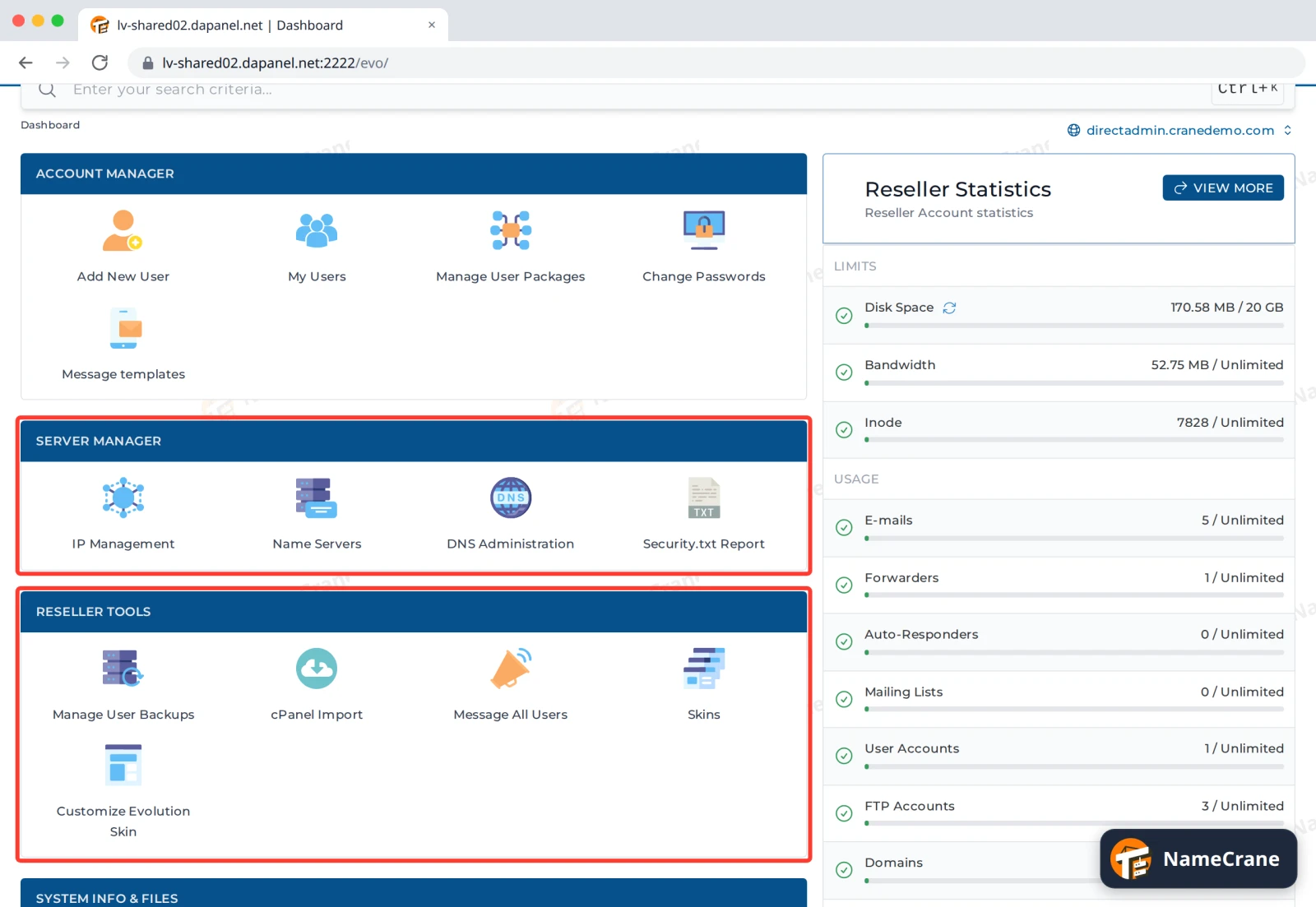
Server Manager and Reseller Tools
| Section | What’s in it |
|---|---|
| Server Manager | Your IP addresses, your own Name Servers, and DNS Administration for your customers’ domains |
| Reseller Tools | Your customers’ backups, cPanel Import to bring accounts over from cPanel, Message All Users, and the look of DirectAdmin (Skins and Customize Evolution Skin) |
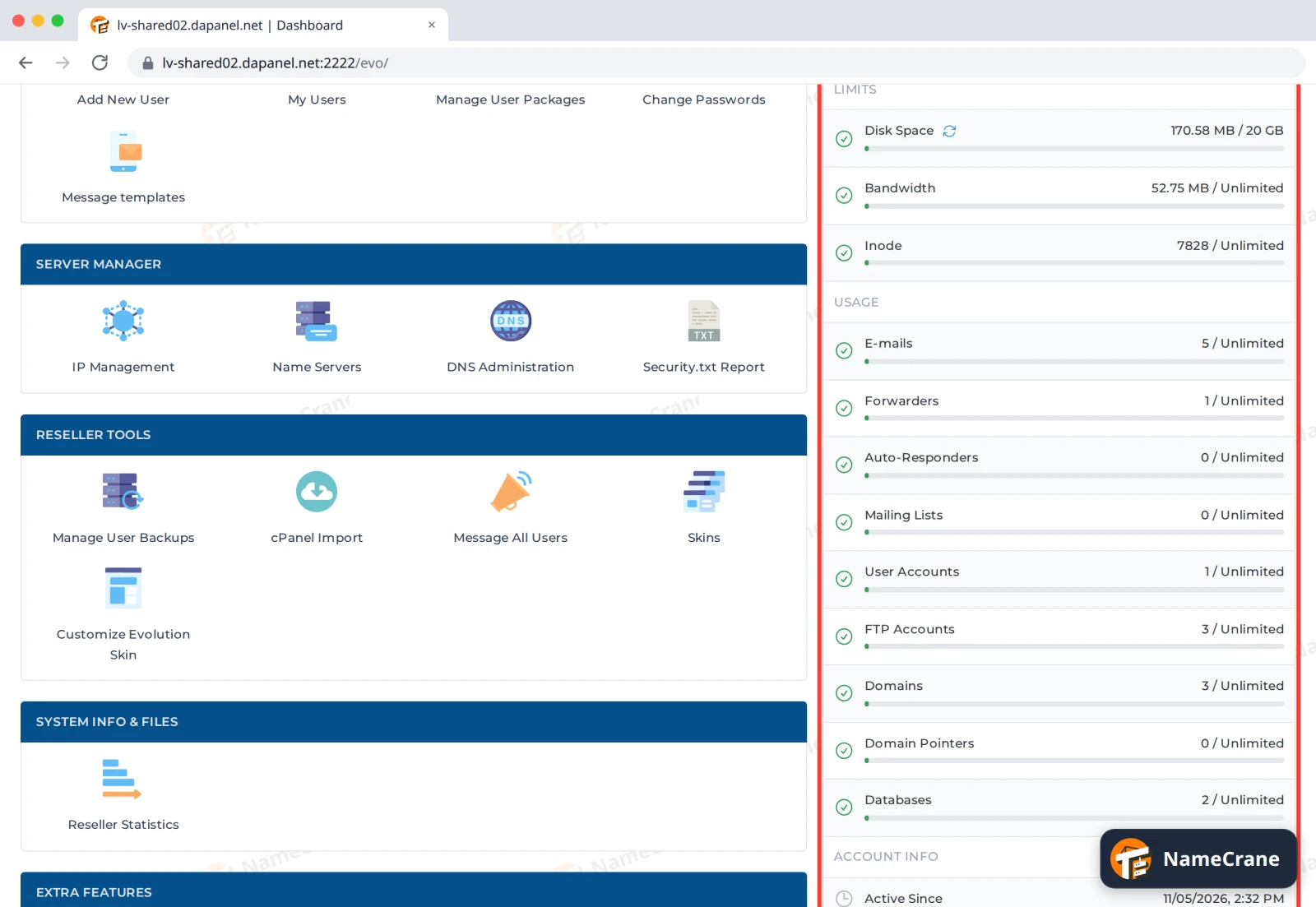
Your reseller limits
Reseller Statistics on the right shows what all your customers use together, against your reseller plan: disk space, bandwidth, email accounts, domains and more. View More shows the full list.
What to do next
| To do this | See |
|---|---|
| Set up a hosting plan | Create a hosting package |
| Add a customer | Create a hosting account |
| Put your own nameservers on your accounts | Custom nameservers |
| Show your own logo and colours | Branding |
Snagged on something? Contact support and we’ll get you sorted.