How to Make a Custom 404 Error Page in cPanel
Last updated Changelog
On this page
When someone visits a page that doesn’t exist on your site, they get a plain 404 Not Found page. You can swap it for your own, with a friendly message and a link back to your home page. In this example we make one for blog.cpanel.cranedemo.com.
Note: If your site runs WordPress, WordPress shows its own “Page not found” page instead. Change that in your WordPress theme. In our test, our WordPress site showed WordPress’s page.
Steps
-
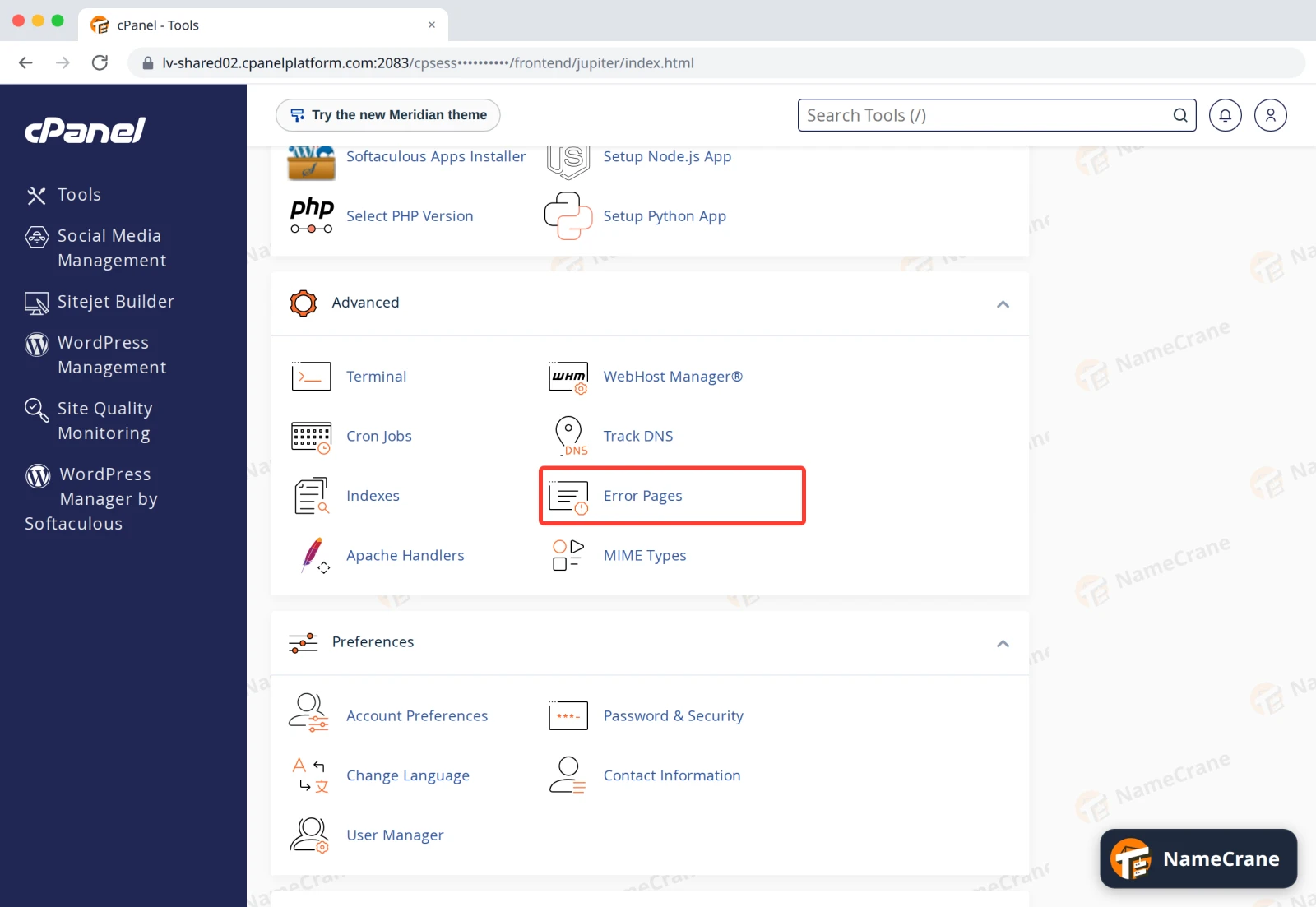
Log in to cPanel and click Error Pages in the Advanced section.
-
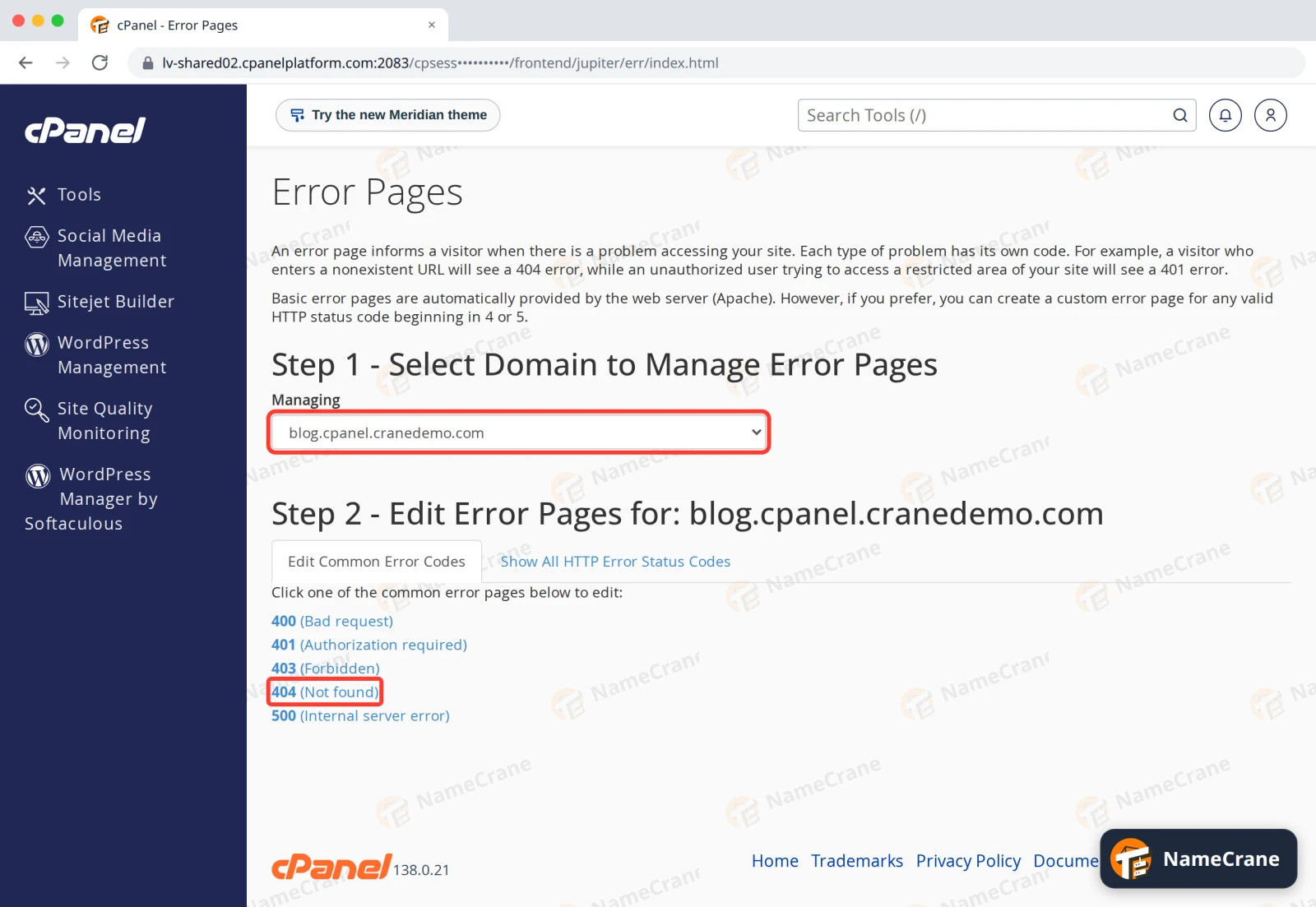
Choose your domain under Managing, then click 404 (Not found).
-
Type or paste your page into the editor and click Save. Here’s the simple page we used:
html<!DOCTYPE html> <html> <head><title>Page not found</title></head> <body style="font-family: sans-serif; text-align: center; padding: 60px;"> <h1>Sorry, we can't find that page</h1> <p>It may have moved. Try our <a href="/">home page</a> instead.</p> </body> </html>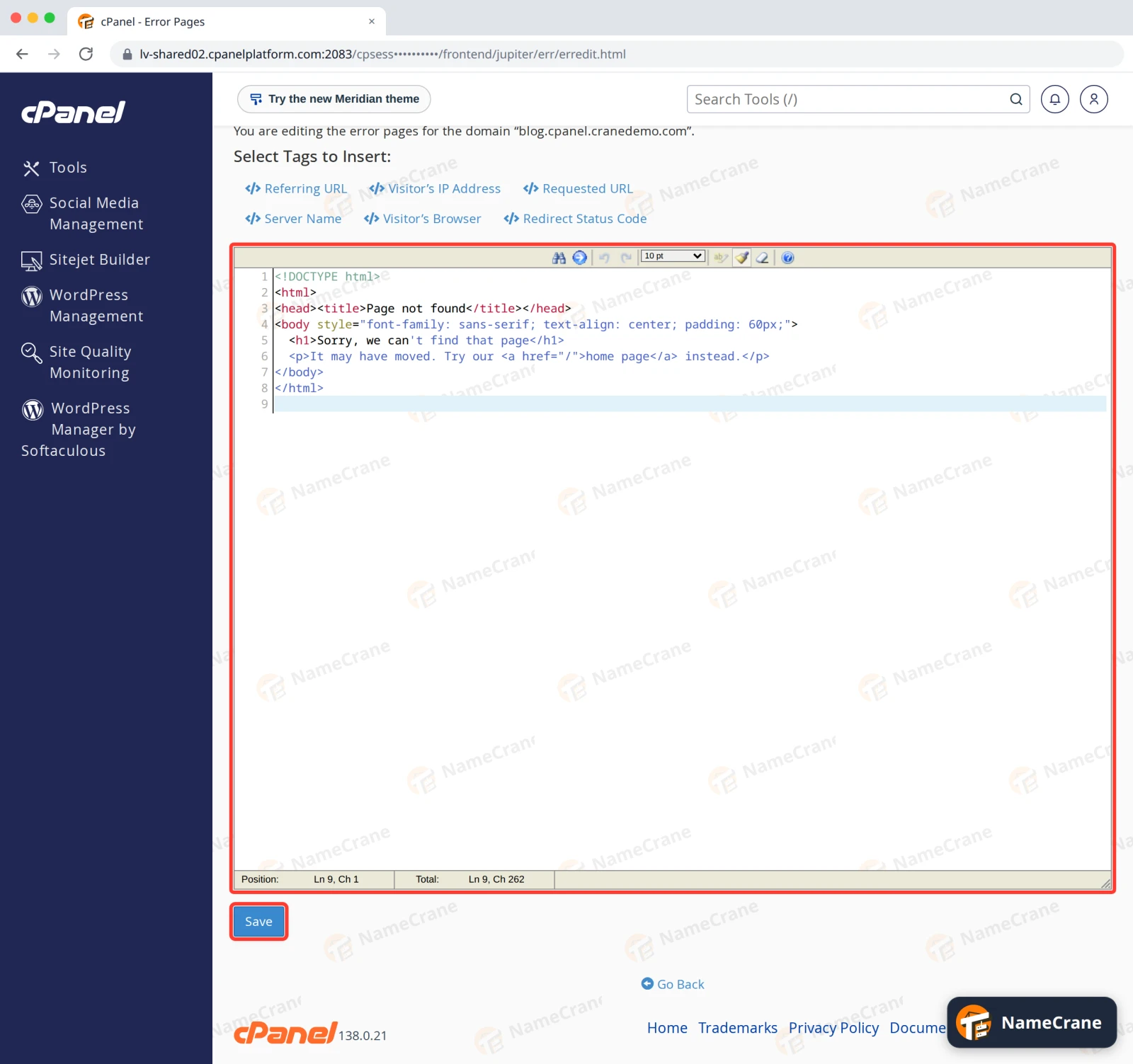
Select Tags to Insert adds live details to the page, such as the Requested URL.
-
To check it, visit a page that doesn’t exist, such as
https://blog.cpanel.cranedemo.com/old-page. Your page appears.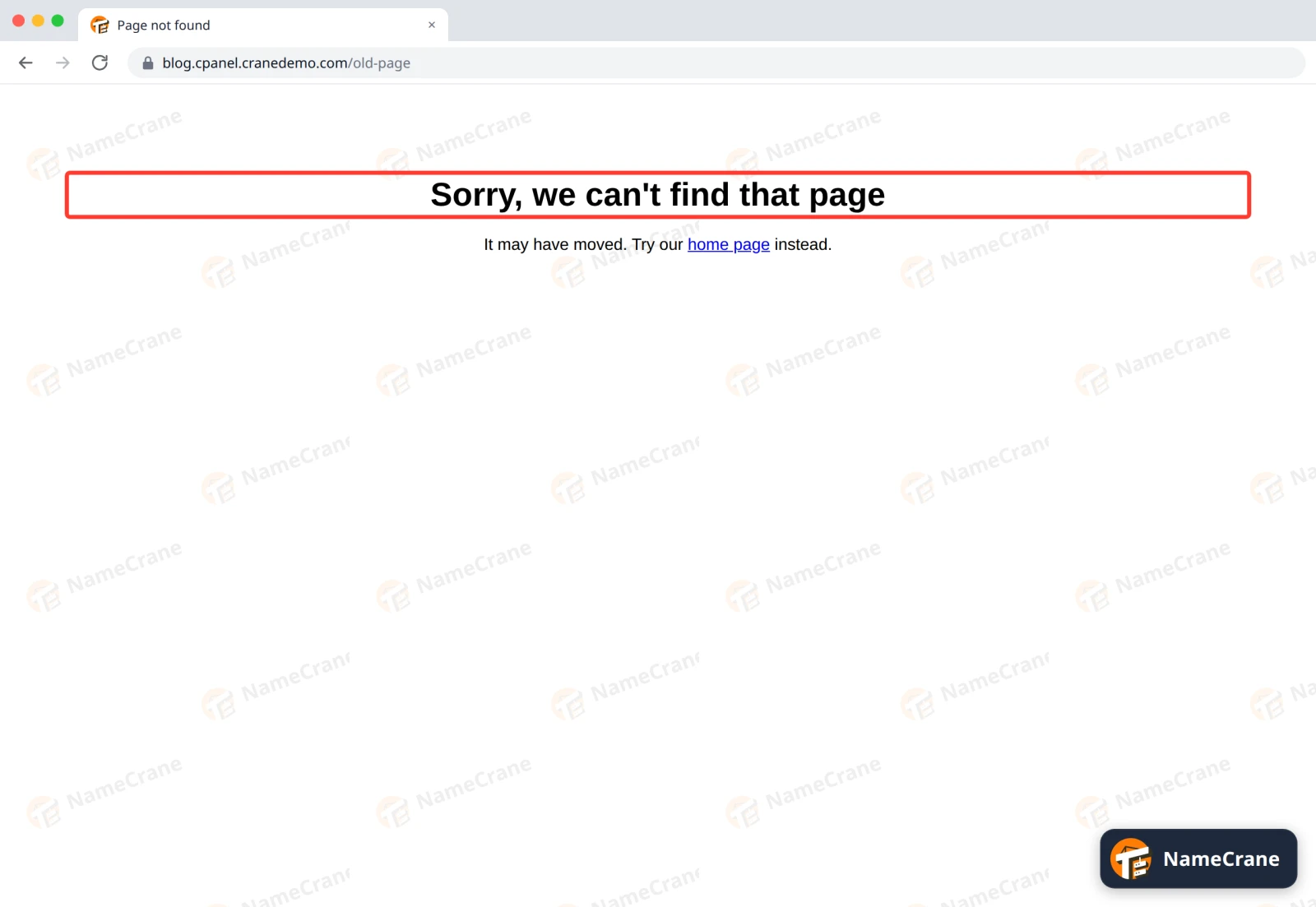
Your page still tells browsers and search engines that the page is missing (error code 404), so it won’t harm your search rankings.
For other errors, such as 403 (Forbidden) or 500 (Internal server error), click those instead in step 2. Show All HTTP Error Status Codes lists the rest.
Go back to the standard page
cPanel saves your page as 404.shtml in your website’s folder. Delete that file in File Manager and the standard page comes back. See Use File Manager.
Troubleshooting
| Problem | What to do |
|---|---|
| I still see the old page | Check you chose the right domain under Managing. If your site runs WordPress or another app, it shows its own 404 page: change it in the app. |
| Images or styles are missing on my error page | Start links with / or https://, such as /images/logo.png. The error page can appear at any address on your site, so short relative links break. |
Snagged on something? Contact support and we’ll get you sorted.