How to Create an FTP Account in DirectAdmin and Connect with FileZilla
Last updated Changelog
On this page
FTP lets you move files between your computer and your hosting with an app such as FileZilla. It’s handy for large uploads, and for giving a web designer access to your site without sharing your DirectAdmin login. Each FTP account is limited to one folder.
Create the FTP account
-
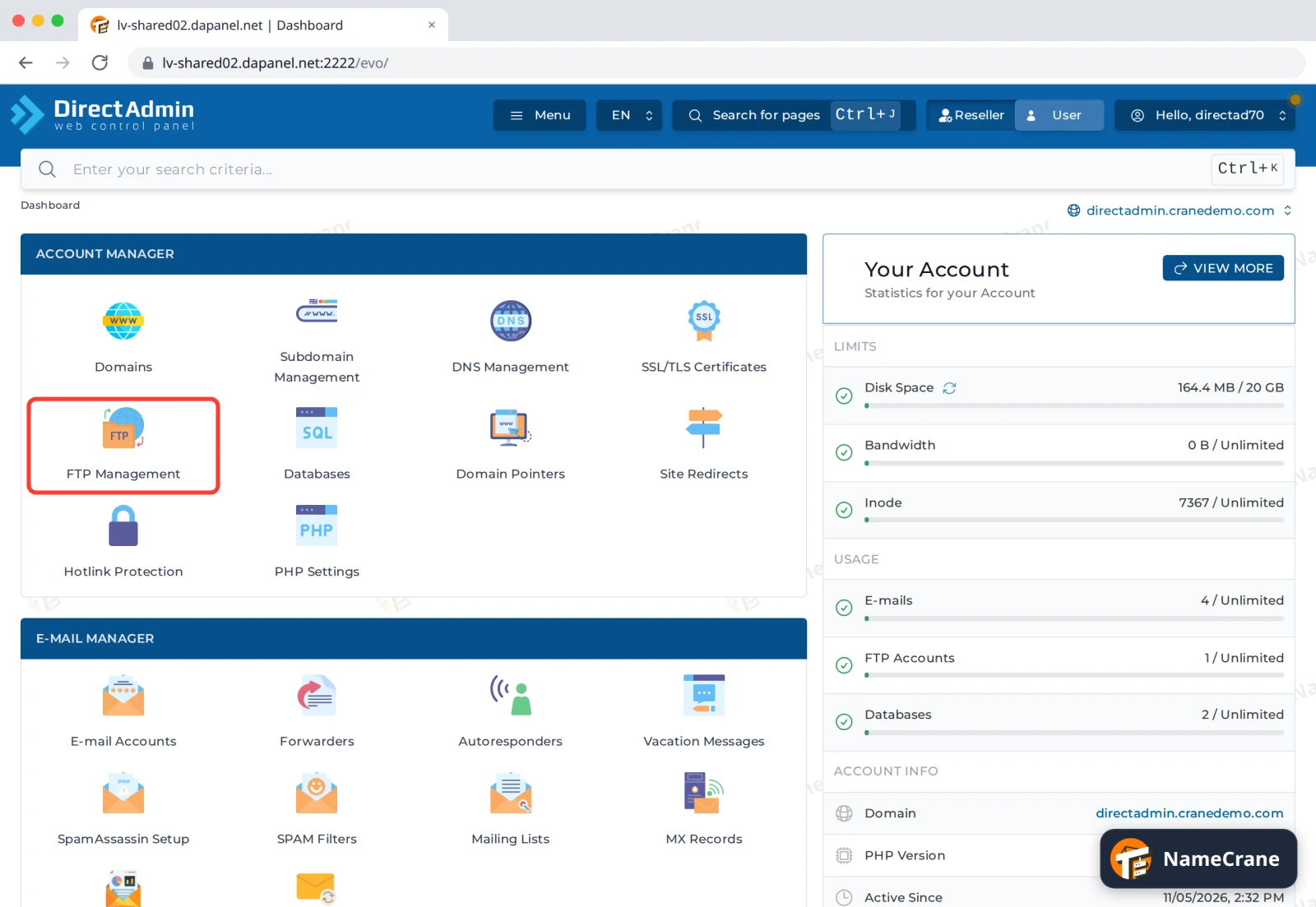
Log in to DirectAdmin. In the Account Manager section, click FTP Management.
-
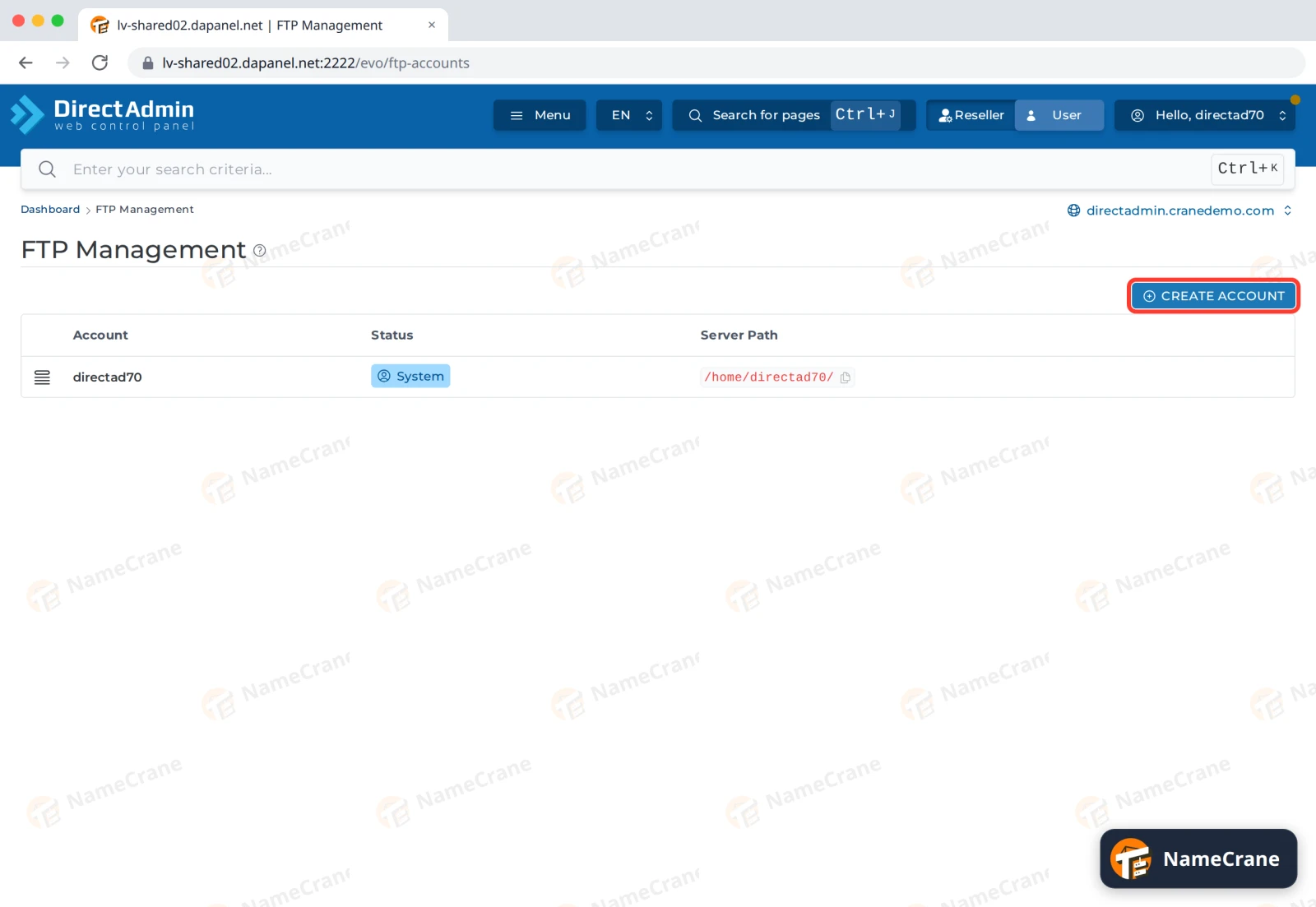
Click Create Account.
-
Type a Username, such as
designer. The full username becomesdesigner@yourdomain.com. Enter a strong Password, or click the dice icon to generate one. Under Root directory, leave Domain selected, which gives access to this domain’s folder, including its website inpublic_html.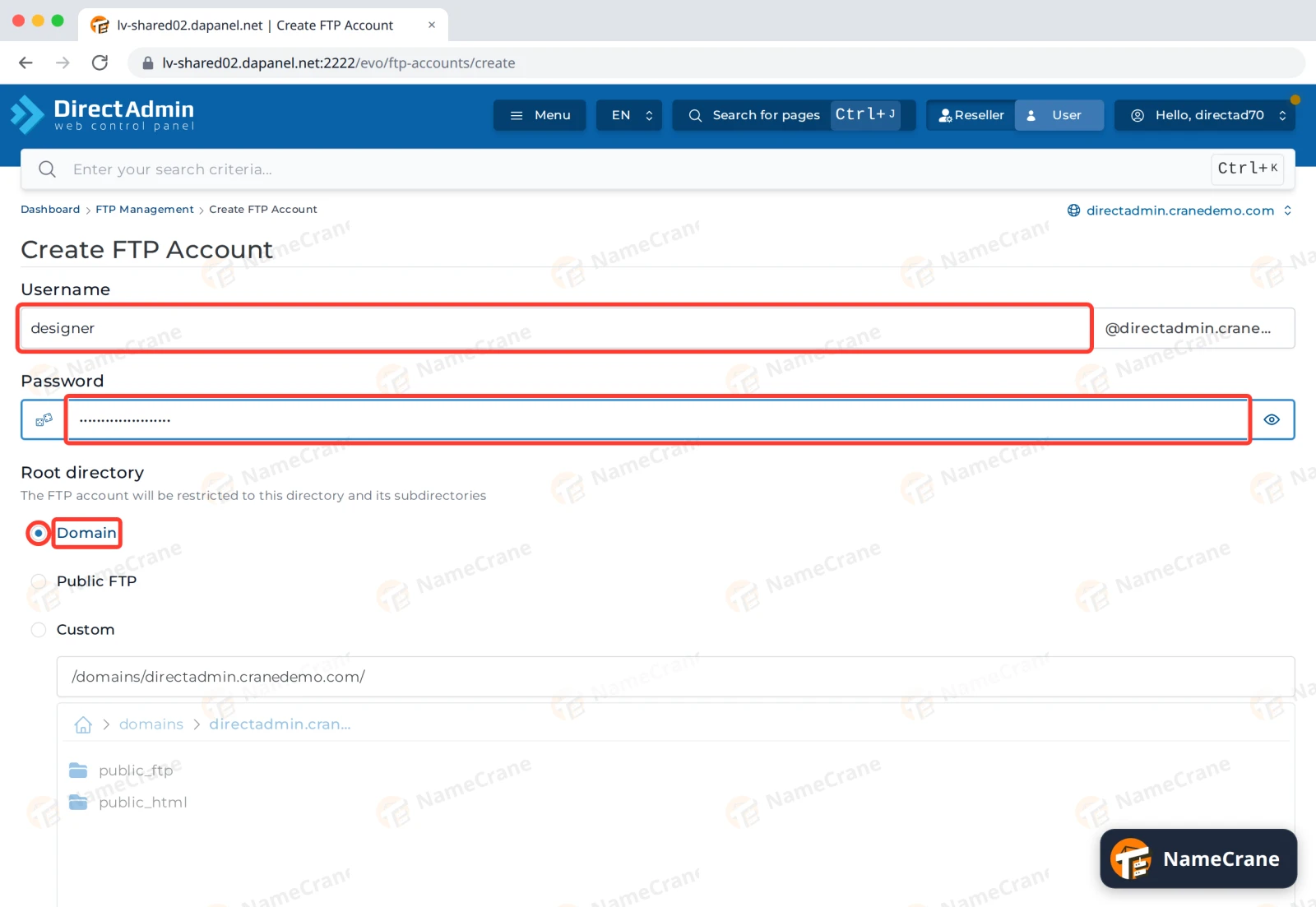
-
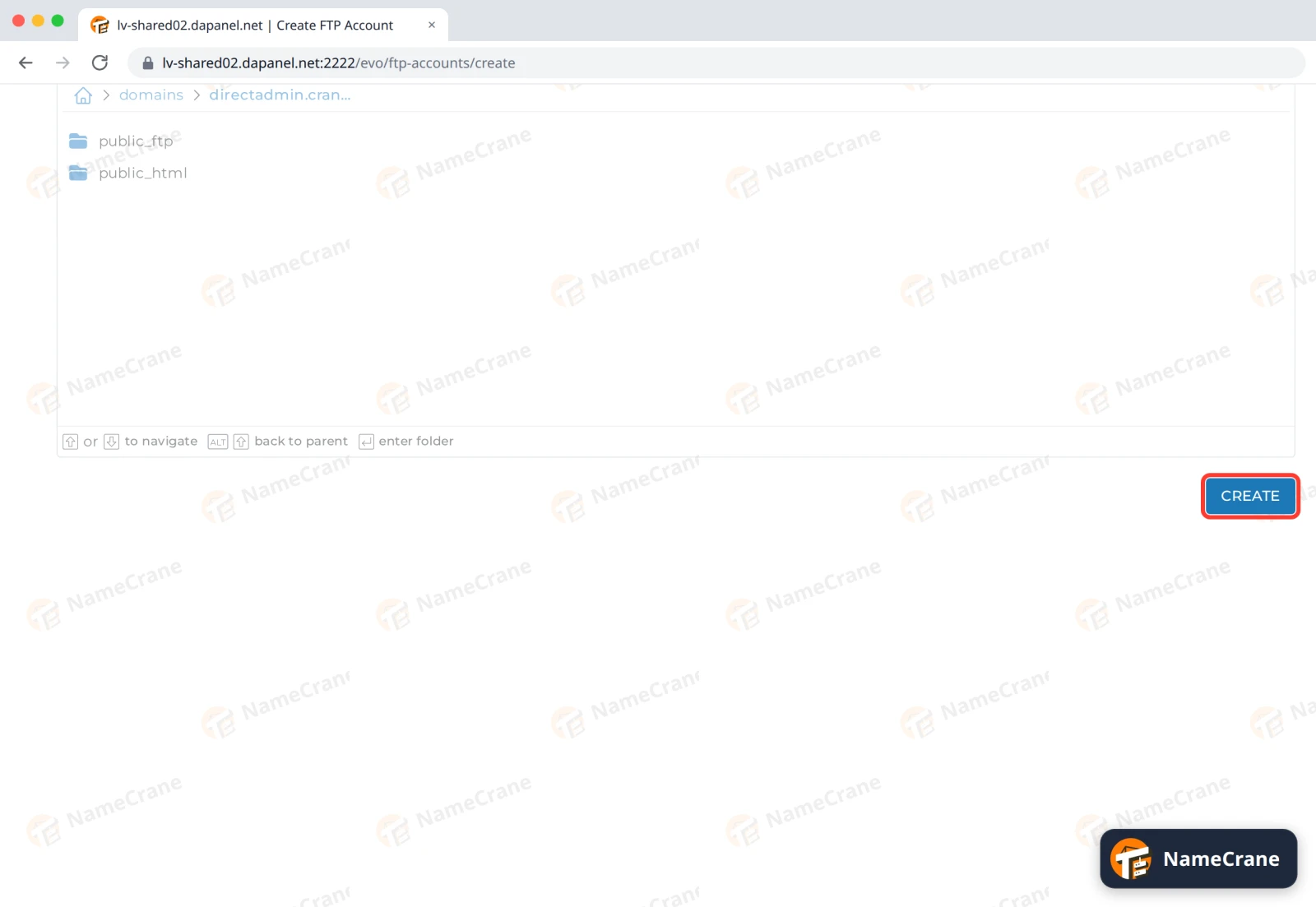
Scroll down and click Create.
-
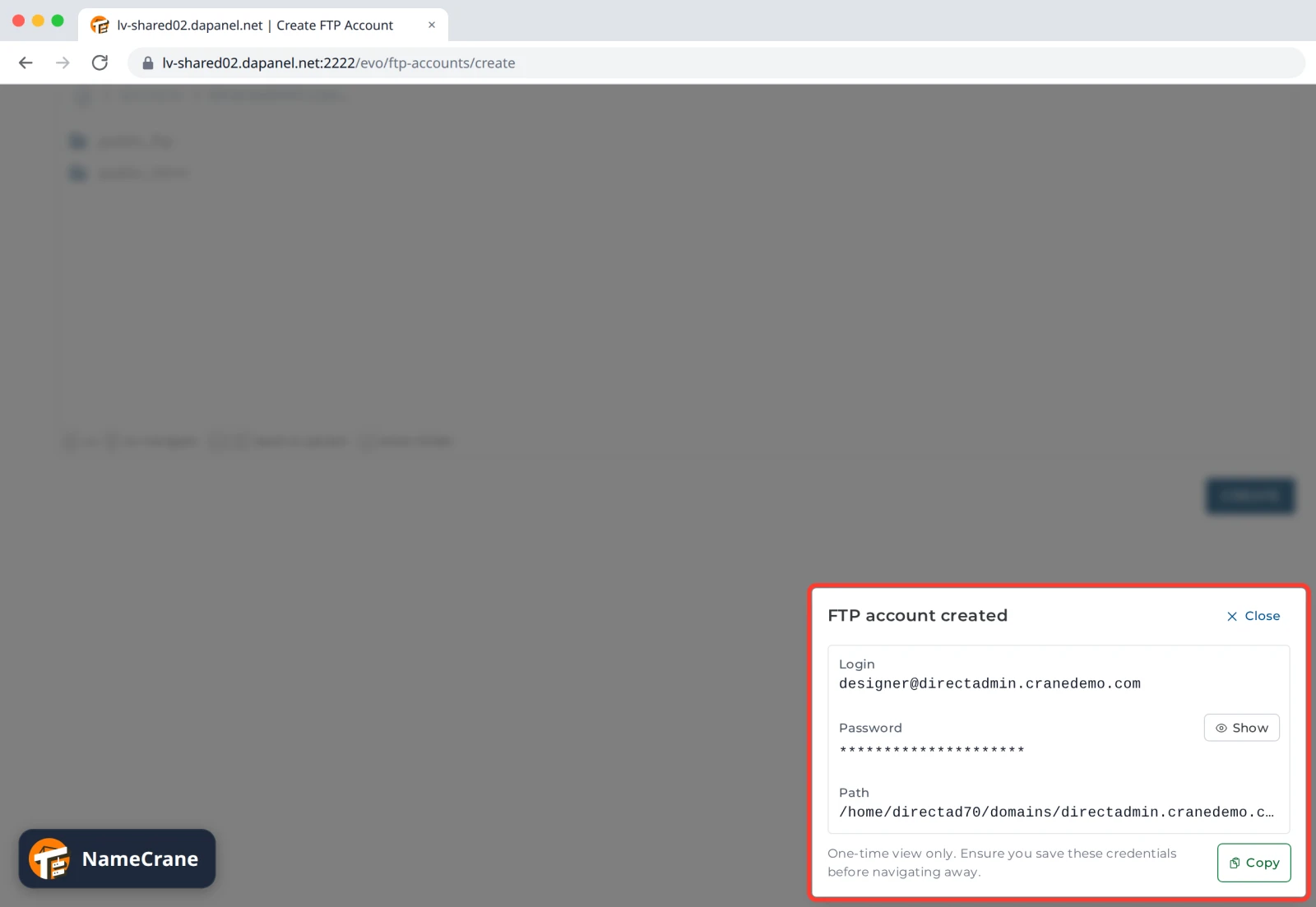
DirectAdmin shows FTP account created with the login, password and folder. This is the only time it shows the password, so click Copy and save it somewhere safe before you close the box.
-
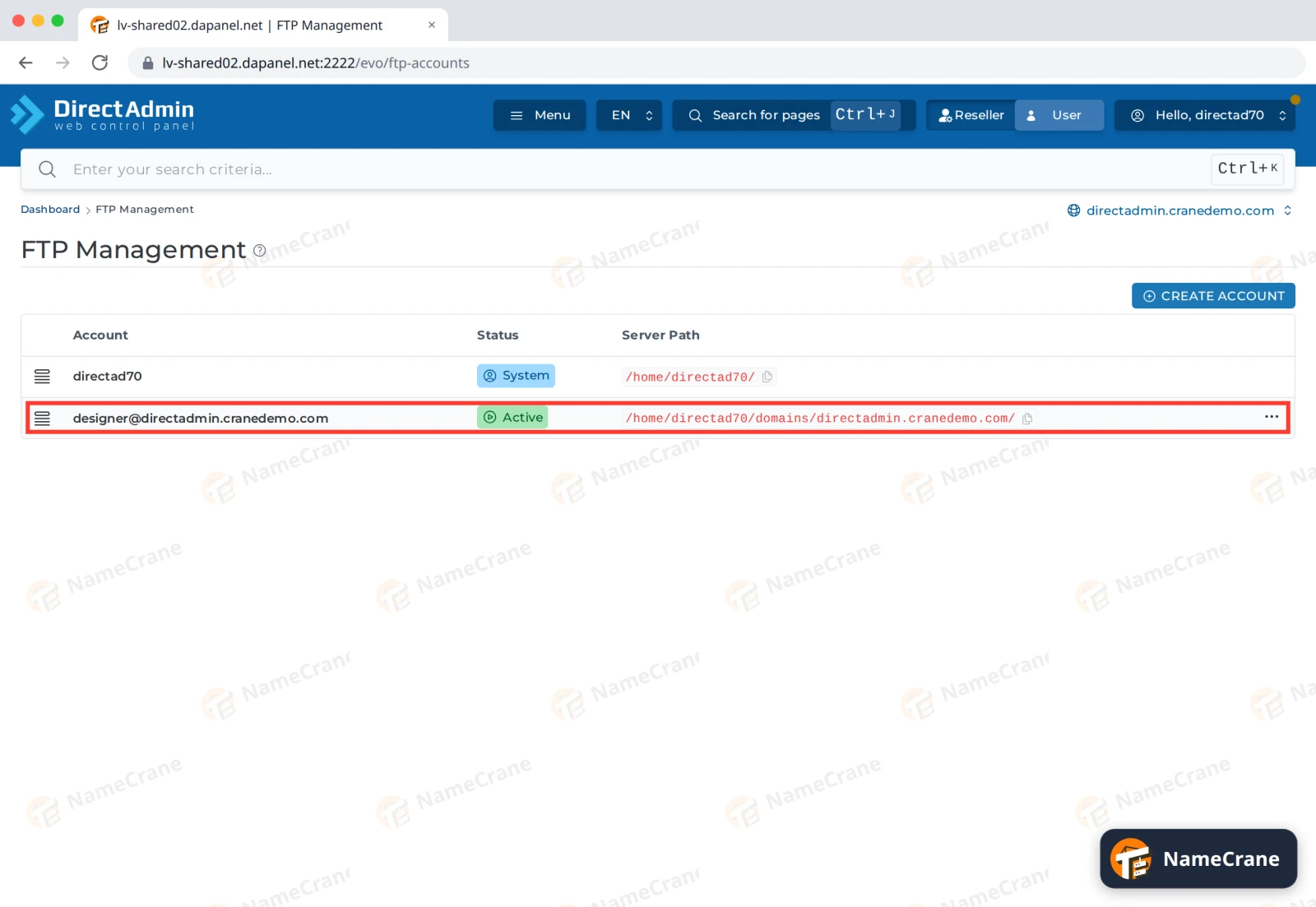
The account appears in the FTP Management list.
Tip: Public FTP limits the account to the
public_ftpfolder, and Custom lets you pick any folder, for example just one subfolder of your website.
Connect with FileZilla
In FileZilla, open File › Site Manager, click New site and enter:
| Setting | What to enter |
|---|---|
| Protocol | FTP - File Transfer Protocol |
| Host | ftp.yourdomain.com, for example ftp.directadmin.cranedemo.com |
| Port | 21 |
| Encryption | Require explicit FTP over TLS |
| Logon Type | Normal |
| User | The full username, such as designer@directadmin.cranedemo.com |
| Password | The password you saved in step 5 |
Click Connect. You’ll see the account’s folder, with public_html inside.
Troubleshooting
| Problem | What to do |
|---|---|
| “530 Login authentication failed” | Use the full username including @yourdomain.com. If you’ve lost the password, click ⋯ next to the account, choose Modify, enter a new Password and click Modify. |
| FileZilla warns about an unknown certificate | Your domain’s SSL certificate may not be in place yet. See Free SSL, or use your server’s name as the Host (the address you log in to DirectAdmin with, without :2222). |
| I can’t see my website’s files | Open public_html. If it isn’t there, click ⋯ next to the account, choose Modify and set Root directory to Domain. |
Snagged on something? Contact support and we’ll get you sorted.