How to Log In to WHM as a Reseller
Last updated Changelog
On this page
WHM (WebHost Manager) is where you, as a reseller, create and manage your customers’ cPanel accounts and hosting packages. You log in with your reseller username and password. The same details also open your own cPanel.
Where to log in
All of these work, with a valid security certificate:
| Address | Example |
|---|---|
| Your server’s address, on port 2087 | https://lv-shared02.cpanelplatform.com:2087 (your server is in your welcome email) |
Your domain, followed by /whm |
https://cpanel.cranedemo.com/whm |
whm. in front of your domain |
https://whm.cpanel.cranedemo.com |
Tip: Your own domain only works once it points at your NameCrane hosting. For a brand-new account, use the server address from your welcome email.
Steps
-
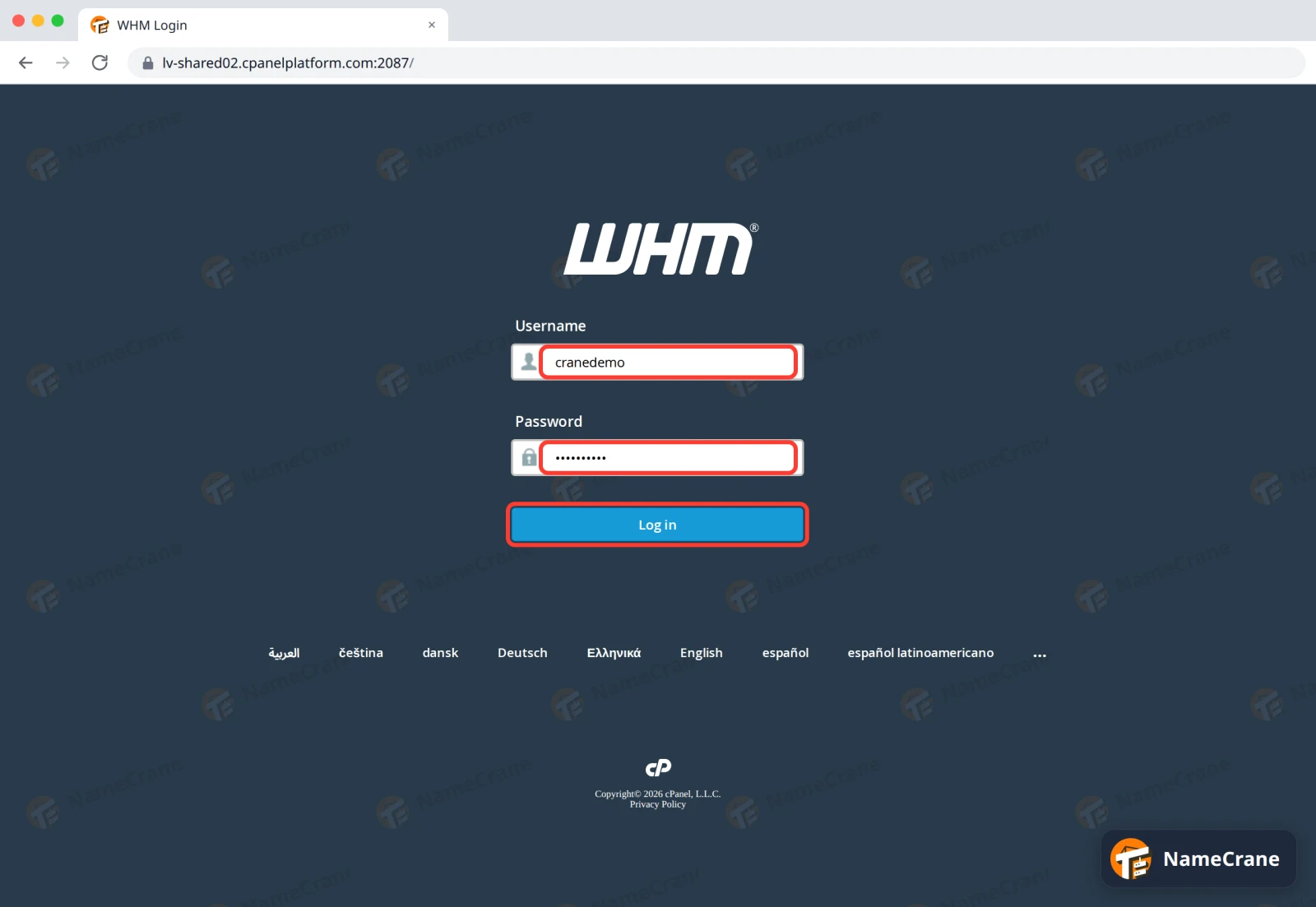
Open one of the addresses above. Enter your reseller Username and Password, then click Log in.
-
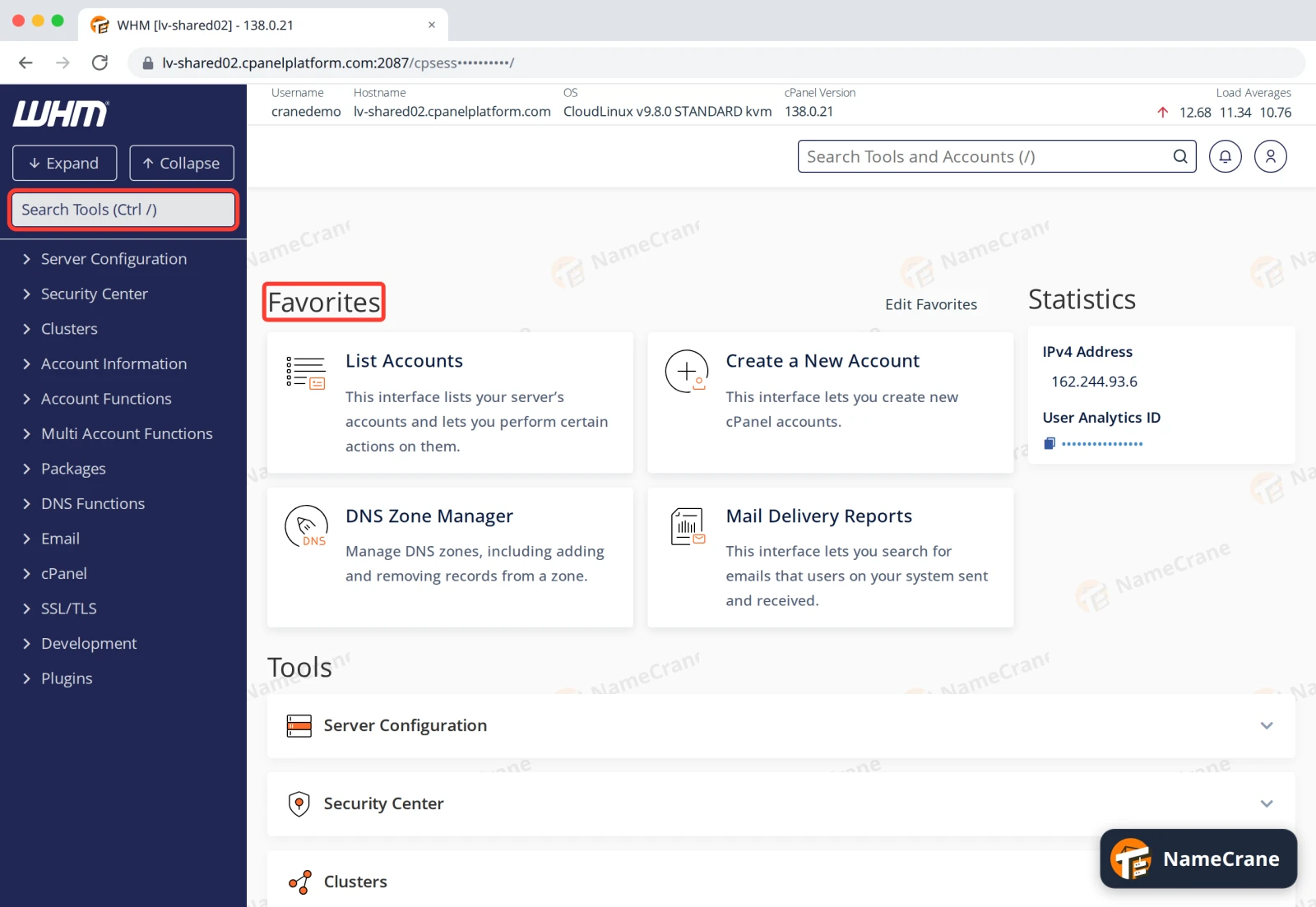
You’ll land on the WHM home page. Type in Search Tools at the top left to find any tool, or start from the Favorites. See Find your way around WHM.
Troubleshooting
| Problem | What to do |
|---|---|
| It says the login is invalid | Check your username. It’s your reseller username, not your email address. Passwords are case-sensitive. |
| I’ve forgotten my password | Contact support and we’ll reset it for you. |
| The page won’t load | Some workplace networks block unusual ports such as 2087. Try https://yourdomain.com/whm instead, which uses the normal web port. |
Snagged on something? Contact support and we’ll get you sorted.