How to Log In to DirectAdmin
Last updated Changelog
On this page
DirectAdmin is where you manage your NameCrane hosting: email, domains, files, databases, SSL and more. You can reach it directly in your browser, or from our client area, where the button is simply labelled DirectAdmin.
Where to log in
Either of these works, with a valid security certificate:
| Address | Example |
|---|---|
| Your server’s address, on port 2222 | https://lv-shared02.dapanel.net:2222 (your server is in your welcome email) |
| Your domain, on port 2222 | https://yourdomain.com:2222 |
Tip: Your own domain only works once it points at your NameCrane hosting and has its SSL certificate. For a brand-new account, use the server address from your welcome email.
Steps
-
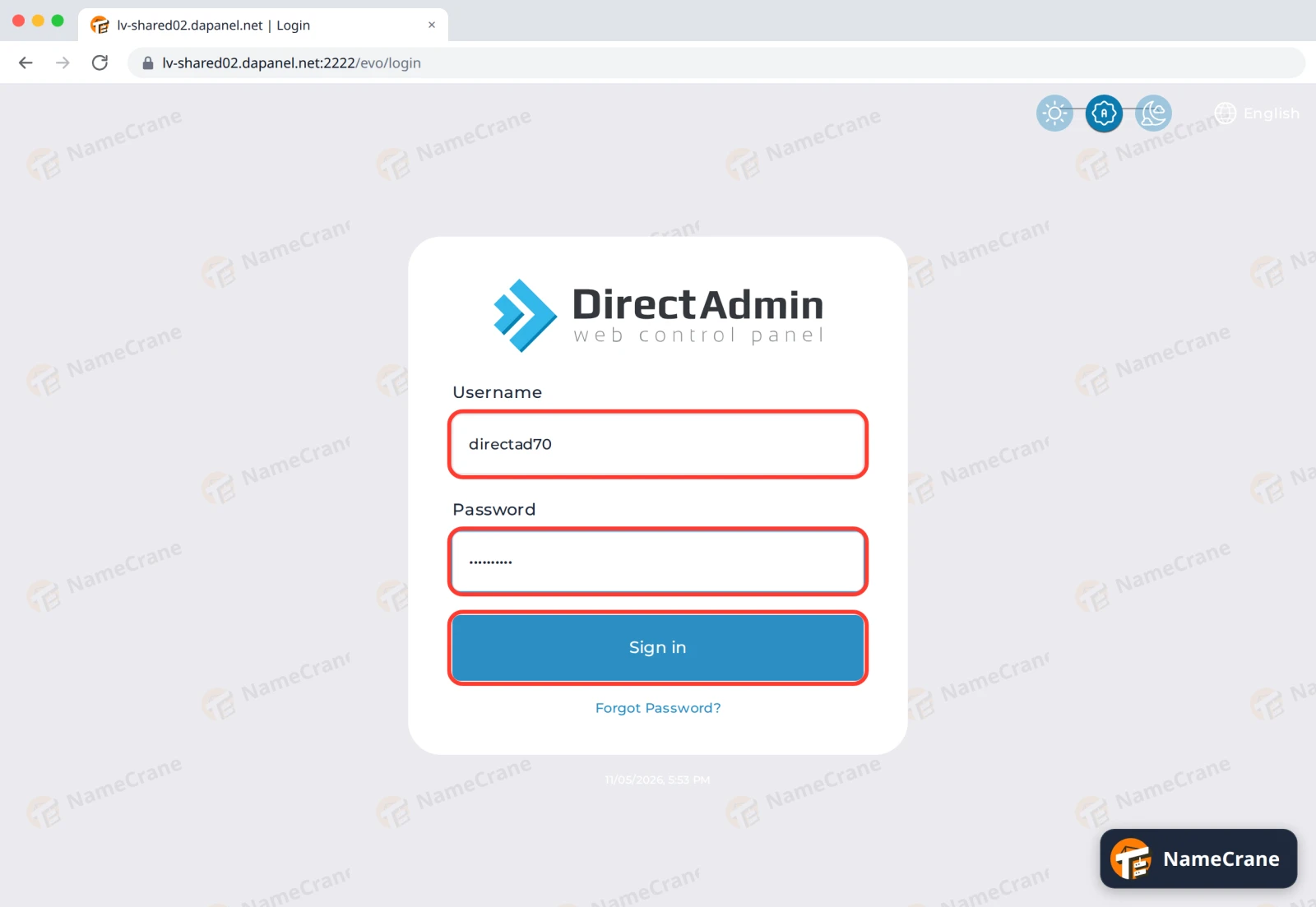
Open one of the addresses above. Enter your DirectAdmin Username and Password, then click Sign in.
-
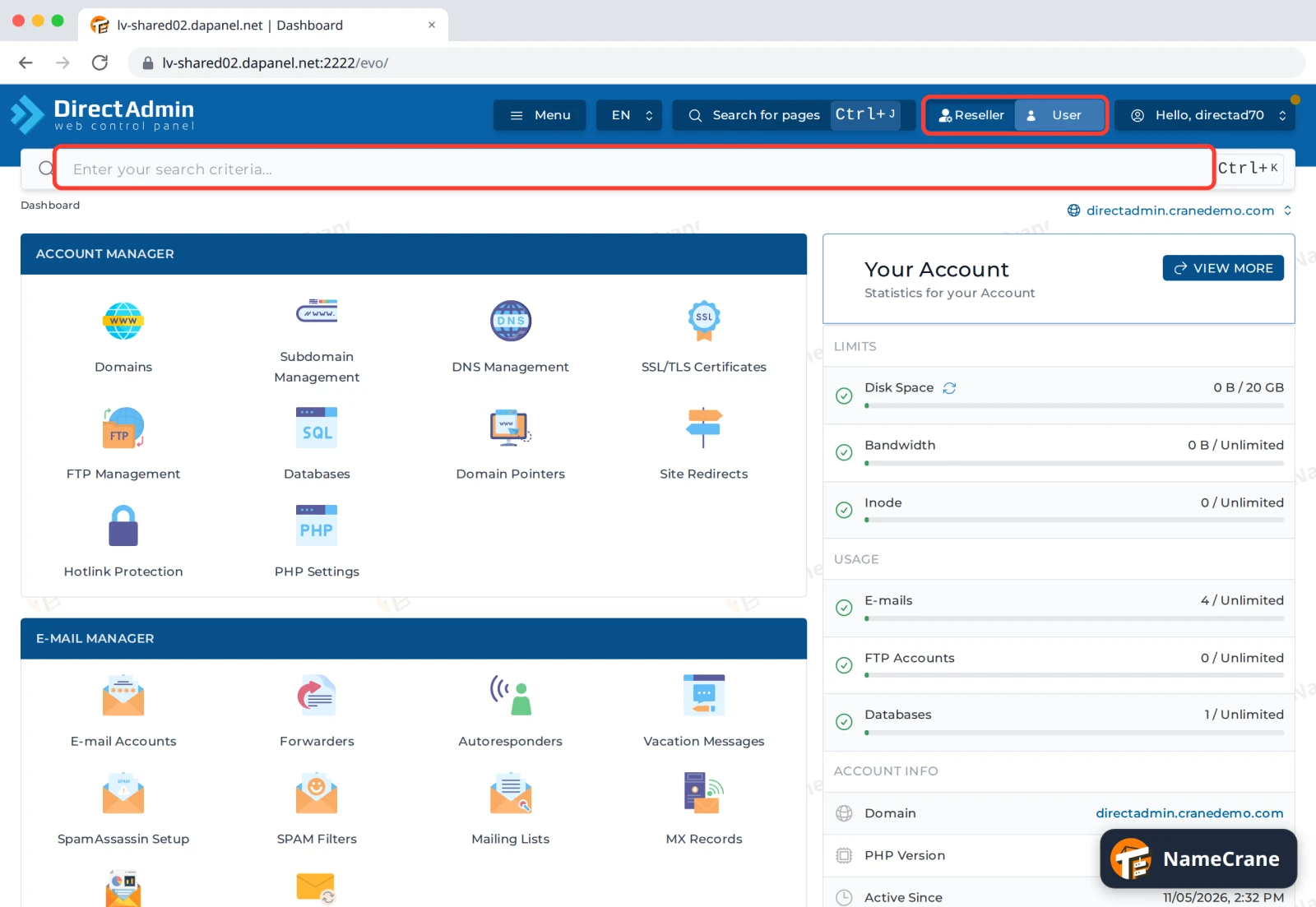
You’ll land on the dashboard. Use the search bar to jump to any feature. If you have a reseller account, the Reseller / User switch at the top lets you move between managing your customers and your own hosting.
Troubleshooting
| Problem | What to do |
|---|---|
| It says the login is invalid | Check your username. It’s your DirectAdmin username, not your email address. Passwords are case-sensitive. |
| I’ve forgotten my password | Click Forgot Password? under the sign-in button, or log in to our client area and open DirectAdmin from there. |
| The page won’t load | Make sure you included :2222. Some workplace networks block unusual ports, so try another network if it still won’t load. |
| I’m blocked after several tries | After repeated failed logins your IP address may be blocked for a while. Wait, or contact support to unblock it. |
Snagged on something? Contact support and we’ll get you sorted.