How to Block an IP Address in DirectAdmin
Last updated Changelog
If someone keeps spamming your forms or hammering your site, you can block their IP address. DirectAdmin doesn’t have a button for this, but a few lines in your website’s .htaccess file do the job. Blocked visitors see a 403 Forbidden error instead of your website. In this example we block 162.244.93.6 on directadmin.cranedemo.com.
Block an address
-
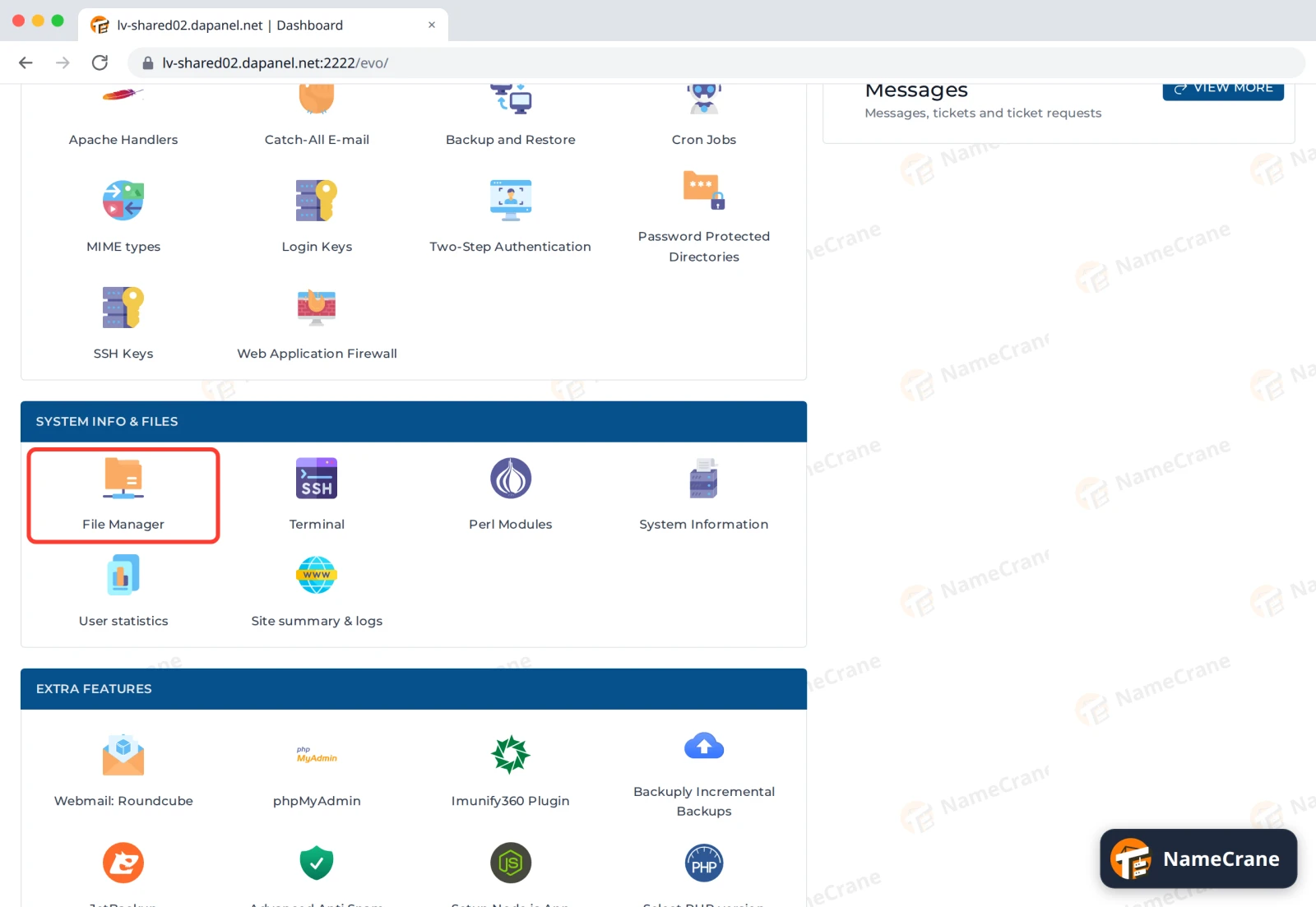
Log in to DirectAdmin and click File Manager in System Info & Files.
-
Open domains, then your domain, then public_html. Tick .htaccess and click Edit. If there isn’t one, create it with New File and call it
.htaccess.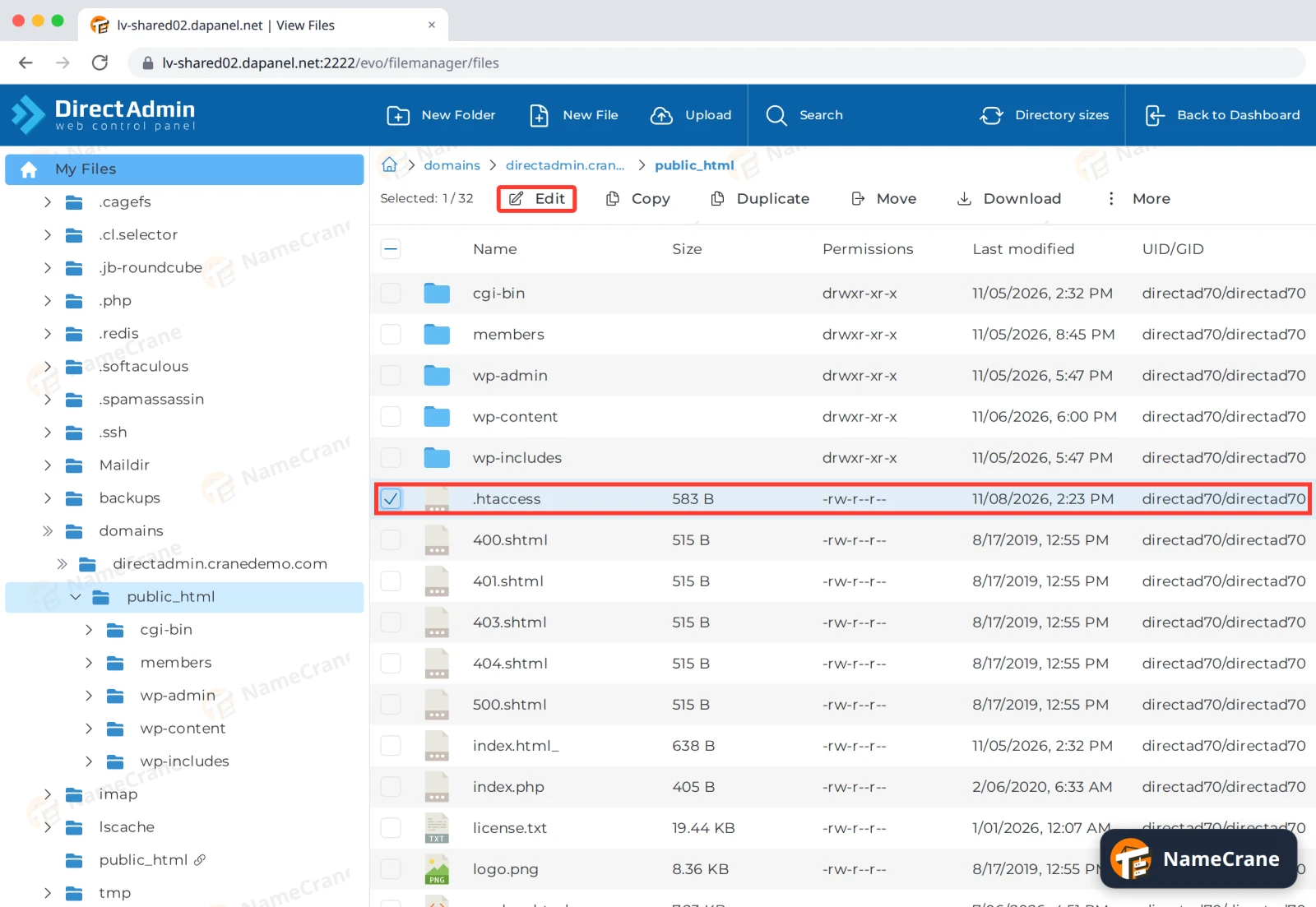
-
Add these lines at the very top, with the address you want to block, and click Save.
# Block visitors by IP address
<RequireAll>
    Require all granted
    Require not ip 162.244.93.6
</RequireAll>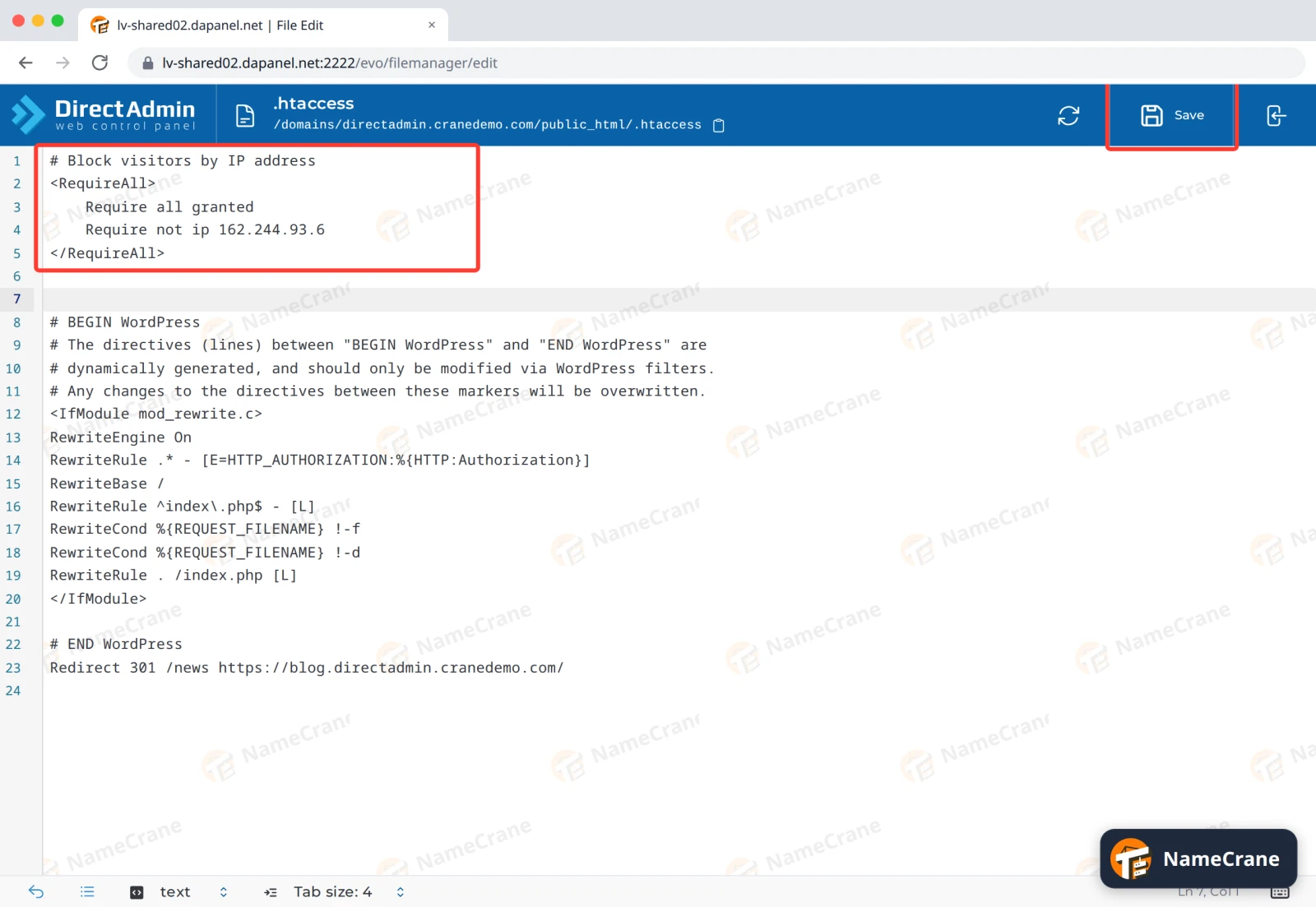
Warning: Leave everything else in the file as it is, especially the
# BEGIN WordPresssection if you have one. Only add your lines above it. -
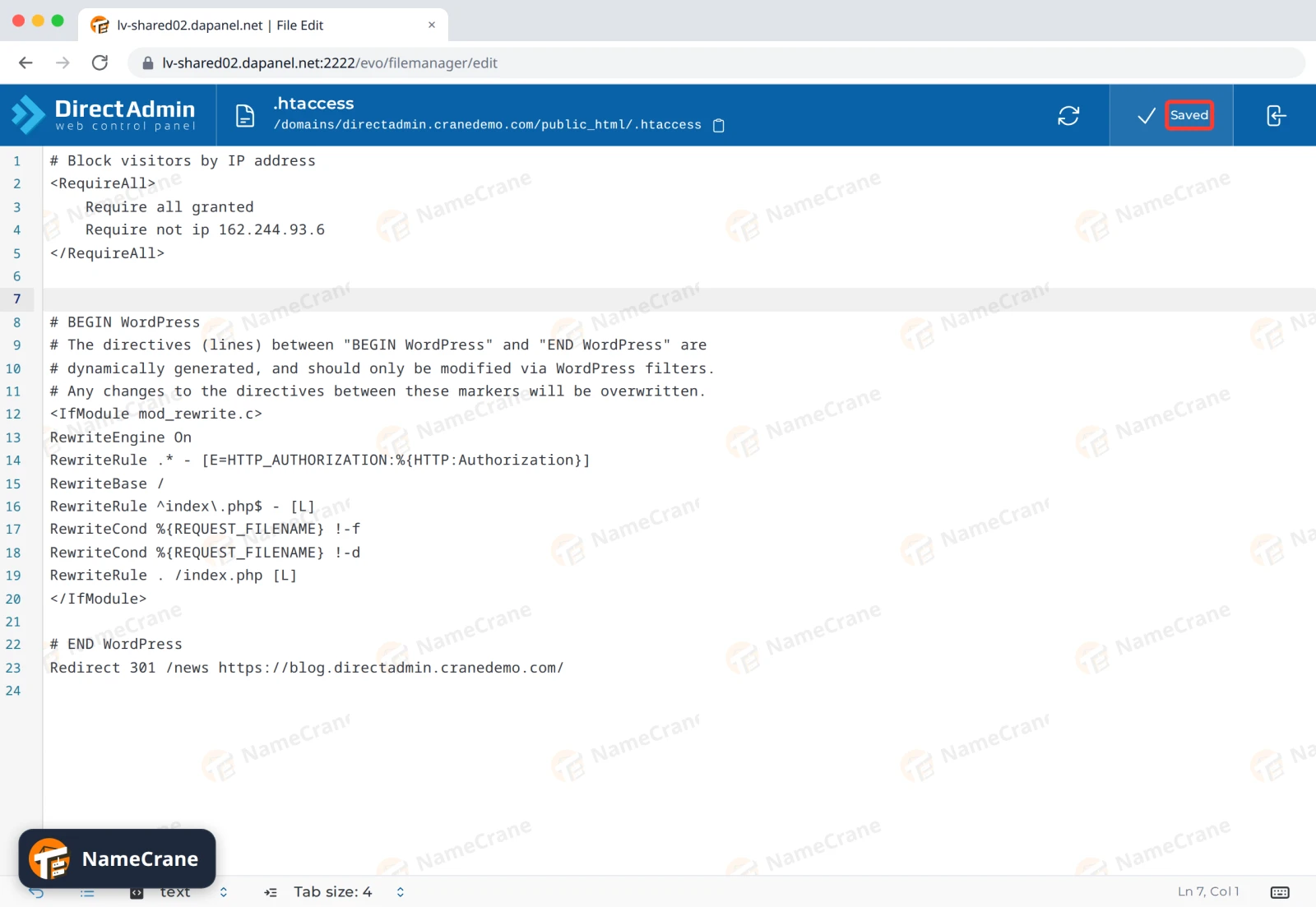
You’ll see Saved. Within a few seconds, that address gets a 403 error. In our test, everyone else could still see the site.
Block more than one address
Change the Require not ip line. We tested both of these:
| To block | Use |
|---|---|
| Several addresses | Require not ip 162.244.93.6 162.244.93.3 (separate them with spaces) |
| A whole network | Require not ip 162.244.93.0/24 |
The rule covers everything in that public_html folder. If you have other domains, add it to their public_html folders too. It only blocks your website: email and FTP aren’t affected.
Unblock an address
Open .htaccess again, delete the address (or all the lines you added) and click Save.
Troubleshooting
| Problem | What to do |
|---|---|
| The address isn’t blocked after saving | Check the lines are spelled exactly as above. A typo won’t break your site, but the block won’t work either. |
| The visitor can still reach my site | They may be using IPv6 or a different address. Check your visitor logs for the address they use and block that too. See Logs and visitor stats. |
| I blocked myself | You can still log in to DirectAdmin. Open .htaccess in File Manager and remove your address. |
| I’m being attacked from lots of different addresses | Blocking them one by one won’t keep up. Contact support and we’ll take a look. |
Snagged on something? Contact support and we’ll get you sorted.