How to Redirect a Page or Domain in DirectAdmin
Last updated Changelog
On this page
A redirect sends visitors from one address to another as soon as they open it. Use one when you move a page, change domain, or want a short address that leads somewhere else. In this example yourdomain.com/news sends visitors to the blog at blog.yourdomain.com.
Steps
-
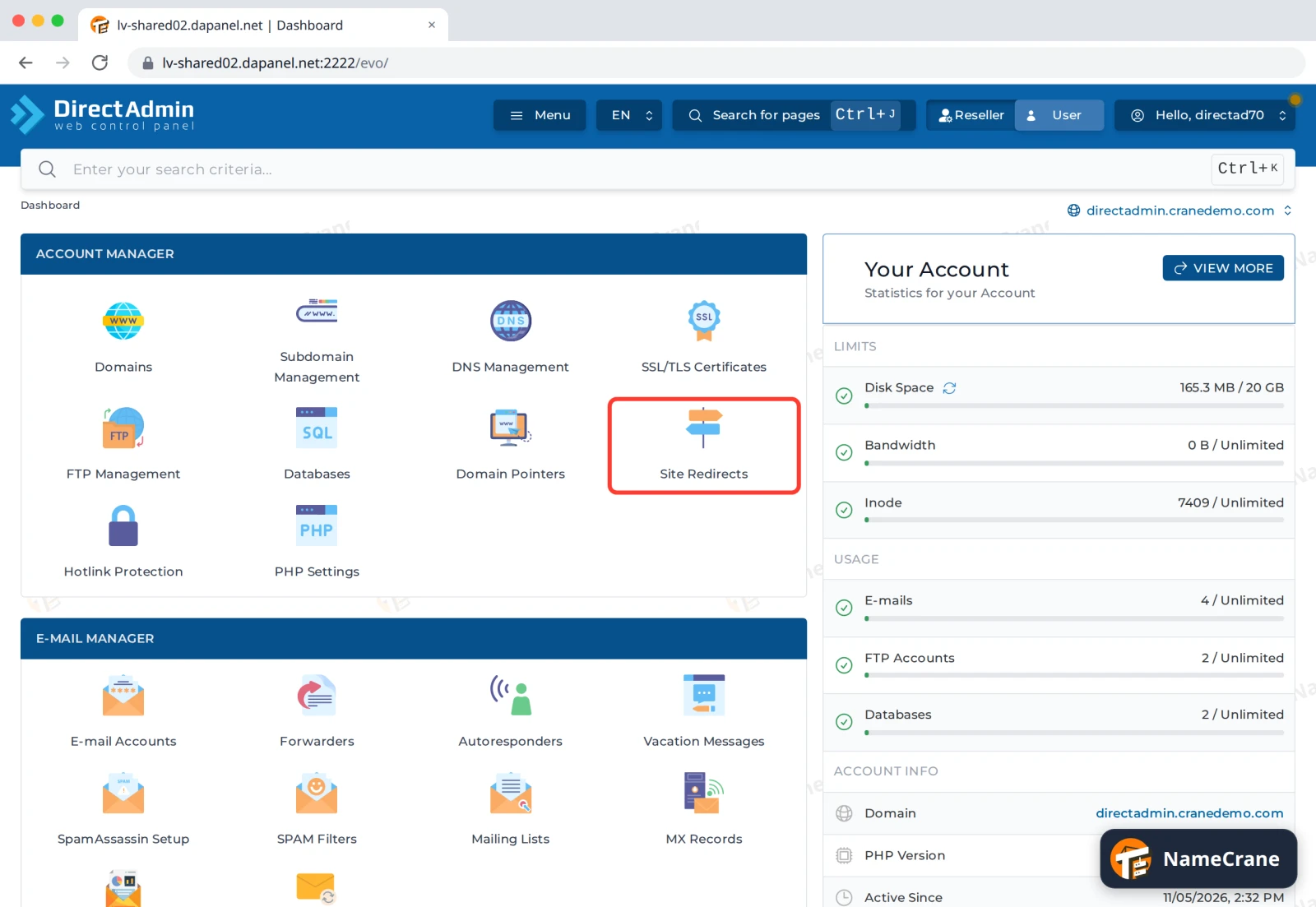
Log in to DirectAdmin. In the Account Manager section, click Site Redirects. If you have more than one domain, pick the right one at the top right of the page first.
-
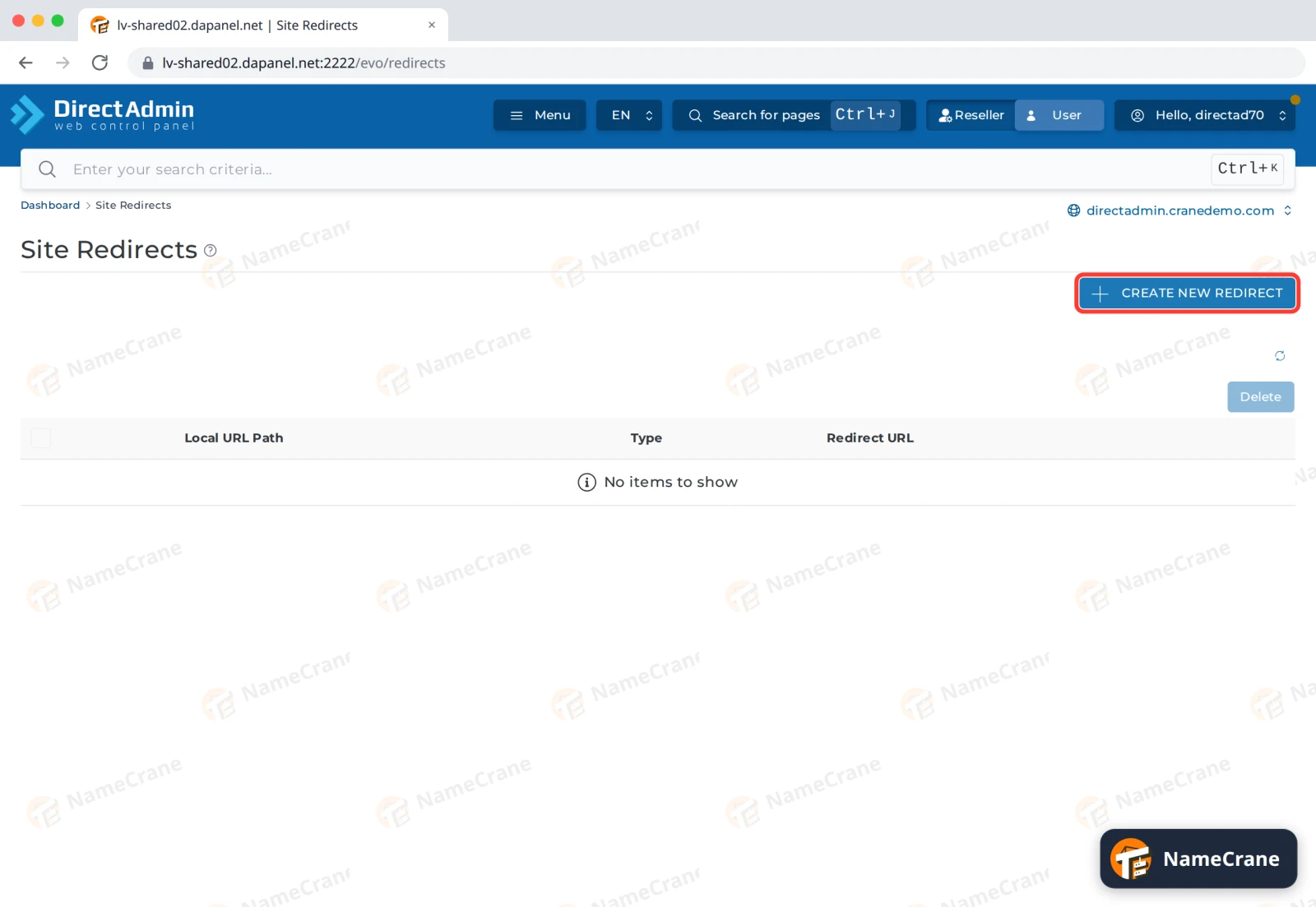
Click Create New Redirect.
-
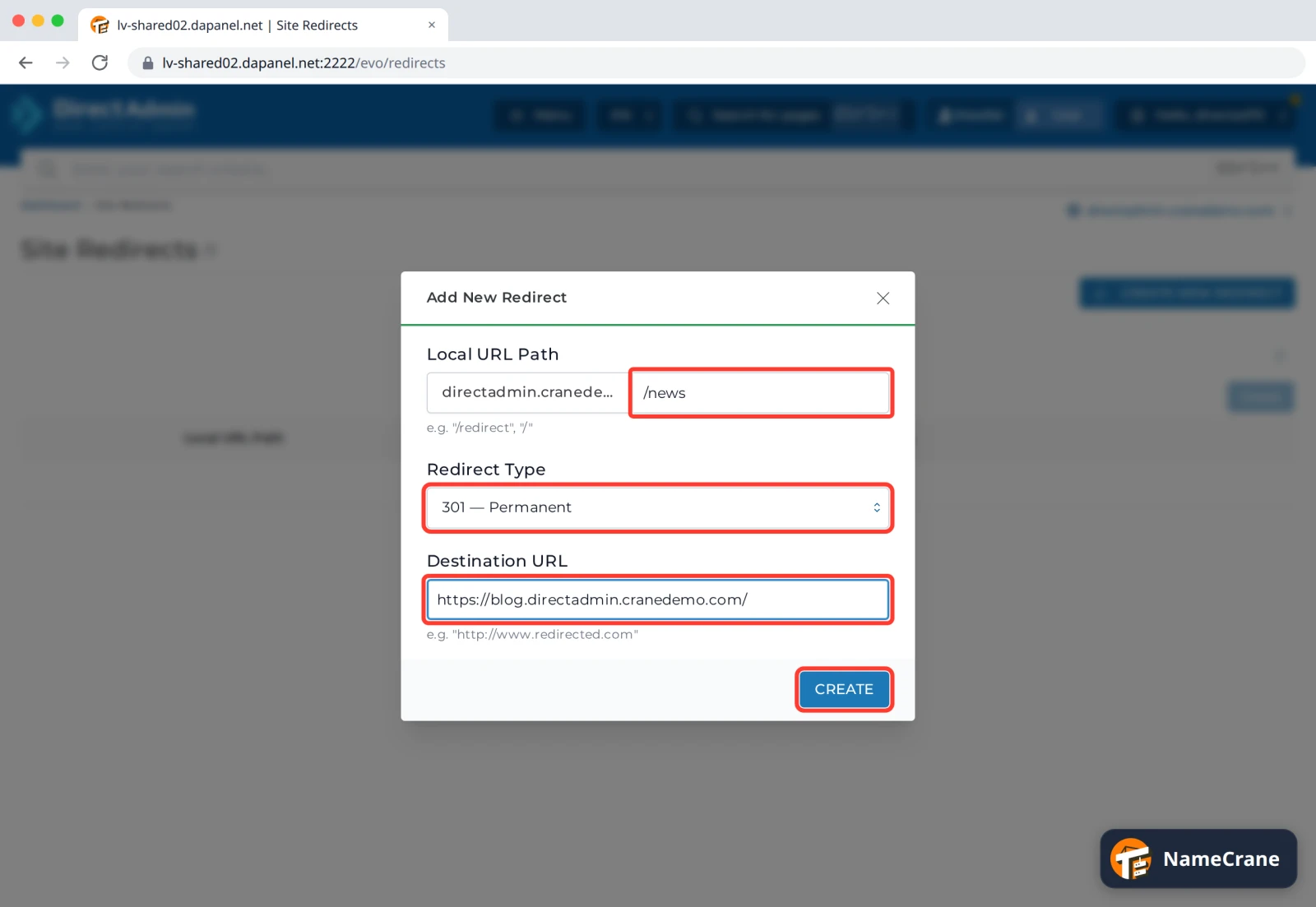
Fill in the redirect, then click Create:
- Local URL Path: the page or folder to redirect, starting with
/, such as/news. - Redirect Type: 301 — Permanent if the old address is gone for good (search engines move it over to the new one), or 302 — Temporary for a short-term change.
- Destination URL: the full new address, starting with
https://.
- Local URL Path: the page or folder to redirect, starting with
-
DirectAdmin shows Redirect Added, and the redirect is listed. It works straight away. To remove it, tick its box and click Delete.
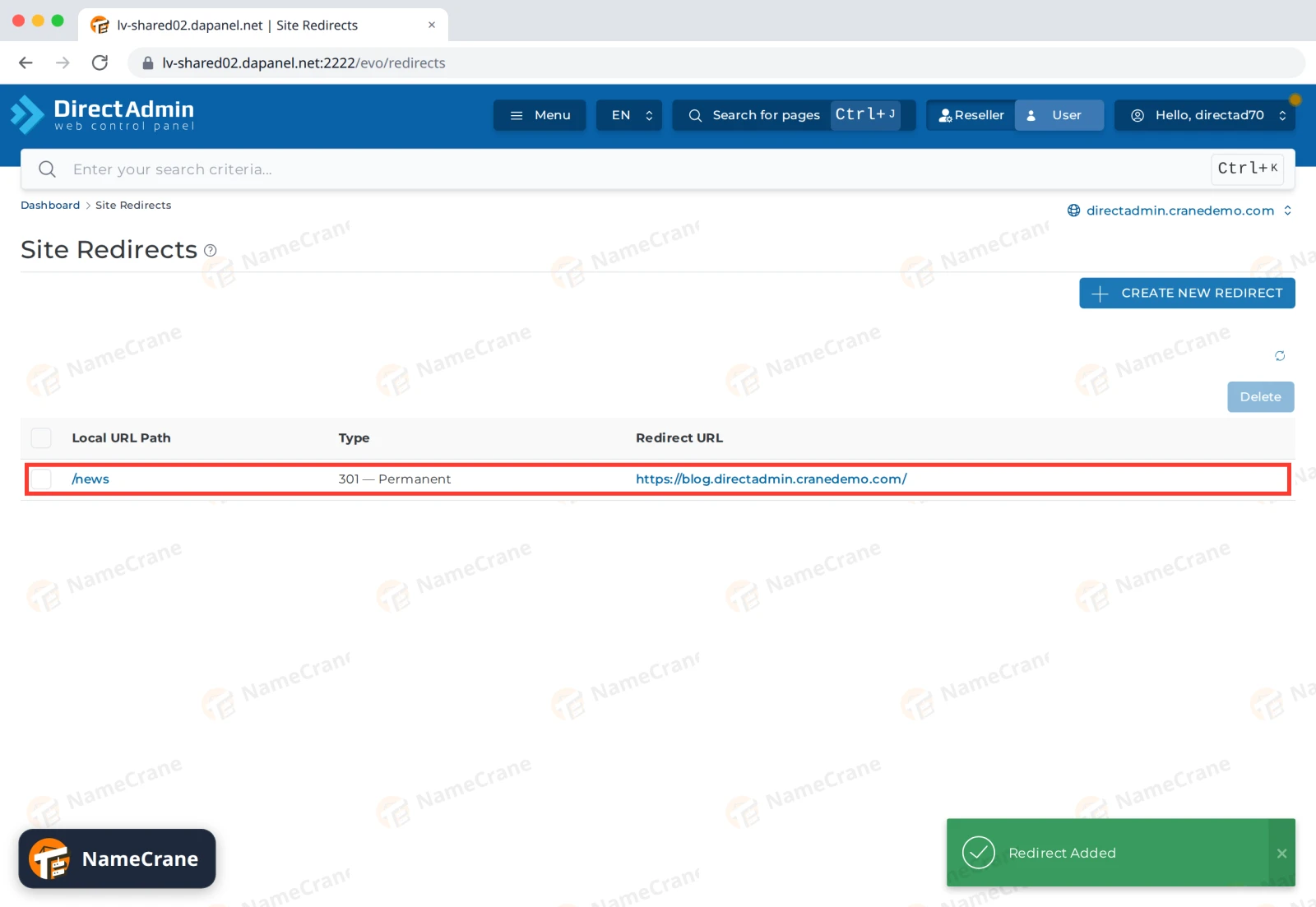
In our test, https://directadmin.cranedemo.com/news went straight to the blog. /news/ (with a slash at the end) did too.
Troubleshooting
| Problem | What to do |
|---|---|
| The redirect still happens after I deleted it | Browsers remember permanent (301) redirects. Try a private window, or clear your browser’s cache. |
| The redirect doesn’t work | Check the Local URL Path starts with / and the Destination URL starts with https://. Make sure you created it on the right domain (top right of the page). |
Snagged on something? Contact support and we’ll get you sorted.