How to Make a Custom 404 Error Page in DirectAdmin
Last updated Changelog
On this page
When someone visits a page that doesn’t exist on your site, they get a plain 404 Not Found page. You can swap it for your own, with a friendly message and a link back to your home page. Each website’s public_html folder already has the error pages as files, so you just edit one. In this example we change it for store.cranedemo.com.
| File | Shown when |
|---|---|
404.shtml |
The page doesn’t exist |
403.shtml |
Access is blocked |
401.shtml |
The visitor didn’t log in to a password-protected folder |
500.shtml |
Something went wrong on the site |
400.shtml |
The browser sent a bad request |
Note: If your site runs WordPress, WordPress shows its own “Page not found” page instead. Change that in your WordPress theme. In our test, our WordPress site showed WordPress’s page.
Steps
-
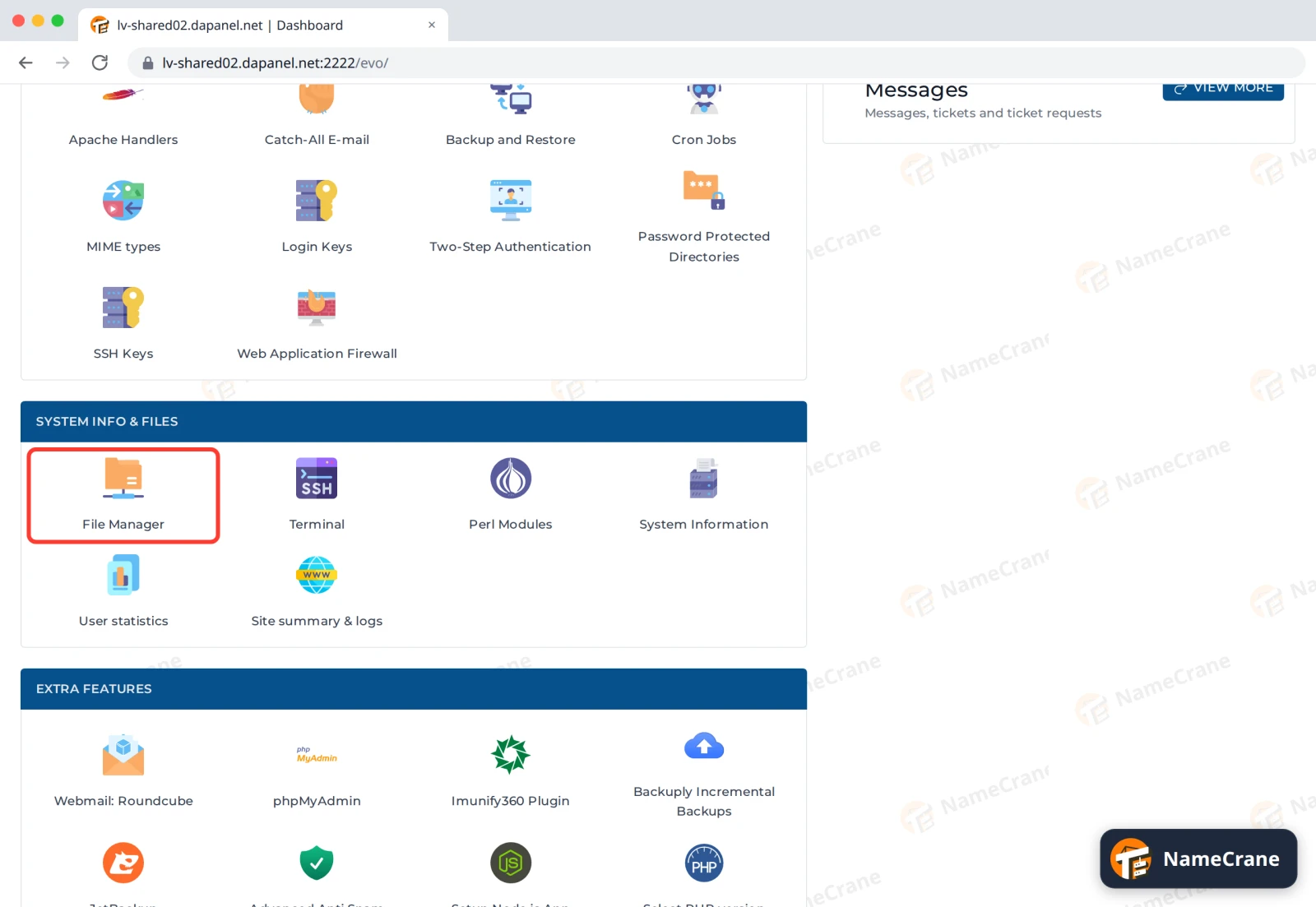
Log in to DirectAdmin and click File Manager in System Info & Files.
-
Open domains, then your domain, then public_html. Tick 404.shtml and click Edit.
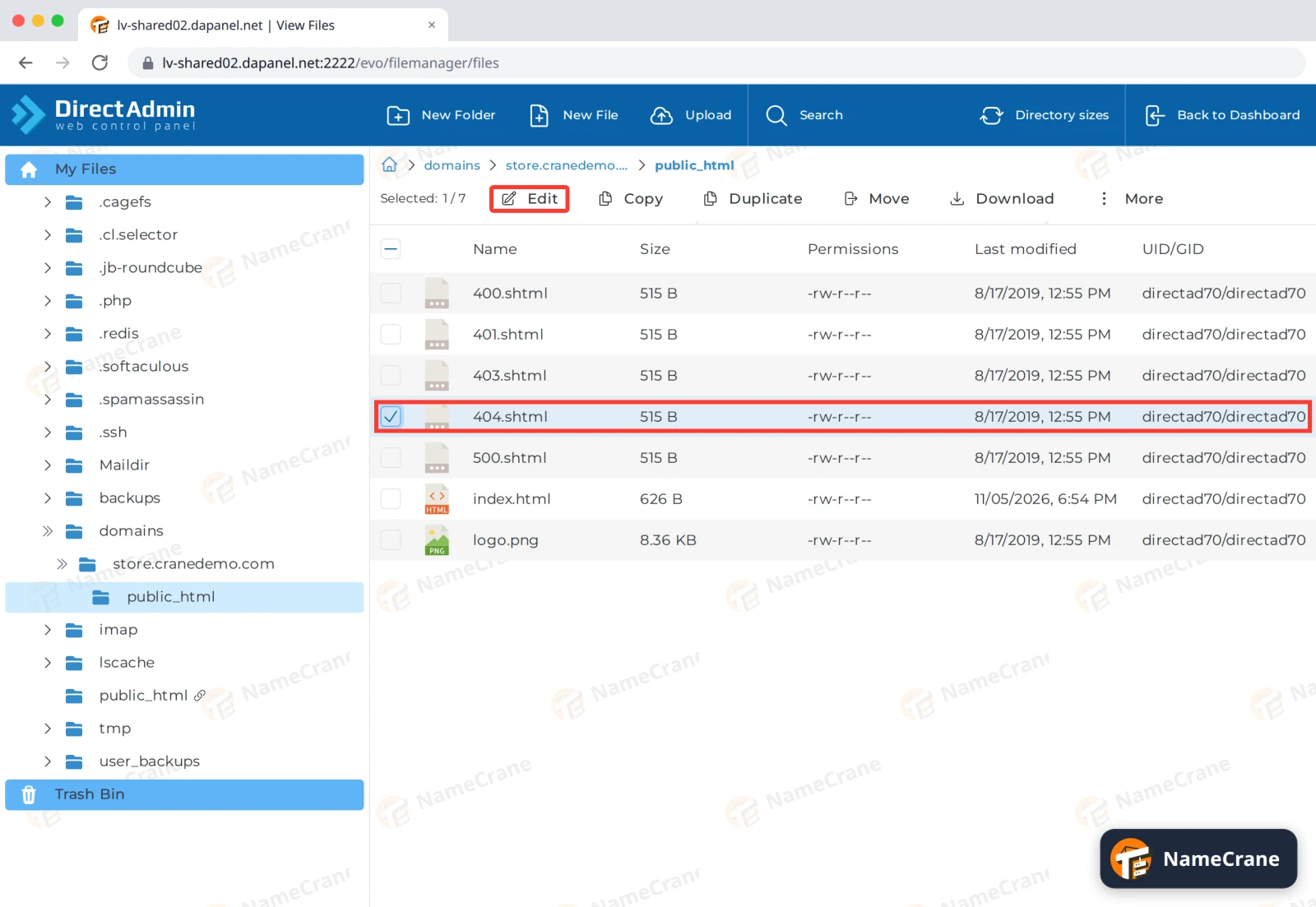
Tip: Want to keep the original? Click Download first, before you click Edit.
-
Replace the contents with your page and click Save. Here’s the simple page we used:
html<!DOCTYPE html> <html> <head><title>Page not found</title></head> <body style="font-family: sans-serif; text-align: center; padding: 60px;"> <h1>Sorry, we can't find that page</h1> <p>It may have moved. Try our <a href="/">home page</a> instead.</p> </body> </html>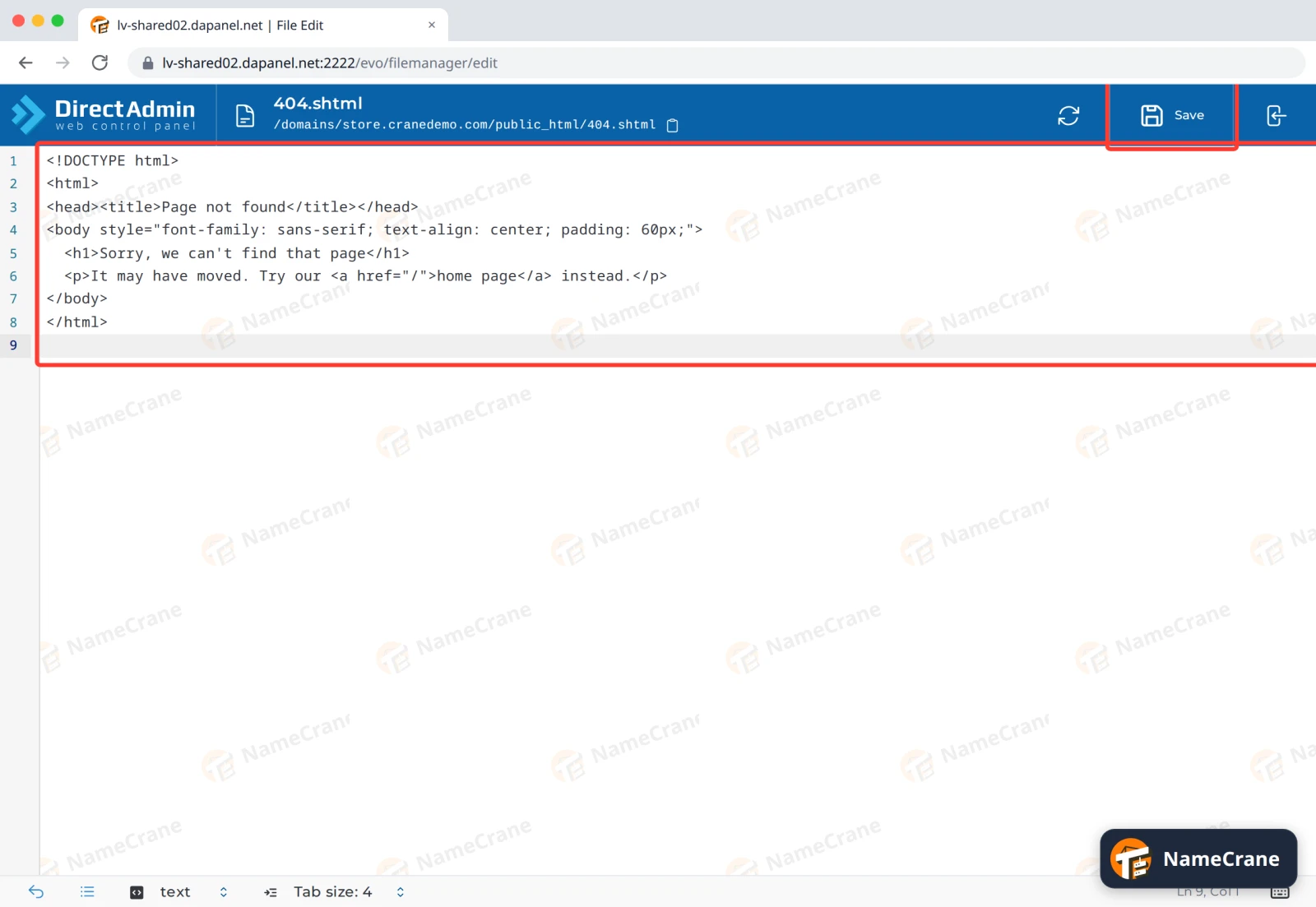
-
To check it, visit a page that doesn’t exist, such as
https://store.cranedemo.com/old-page. Your page appears straight away.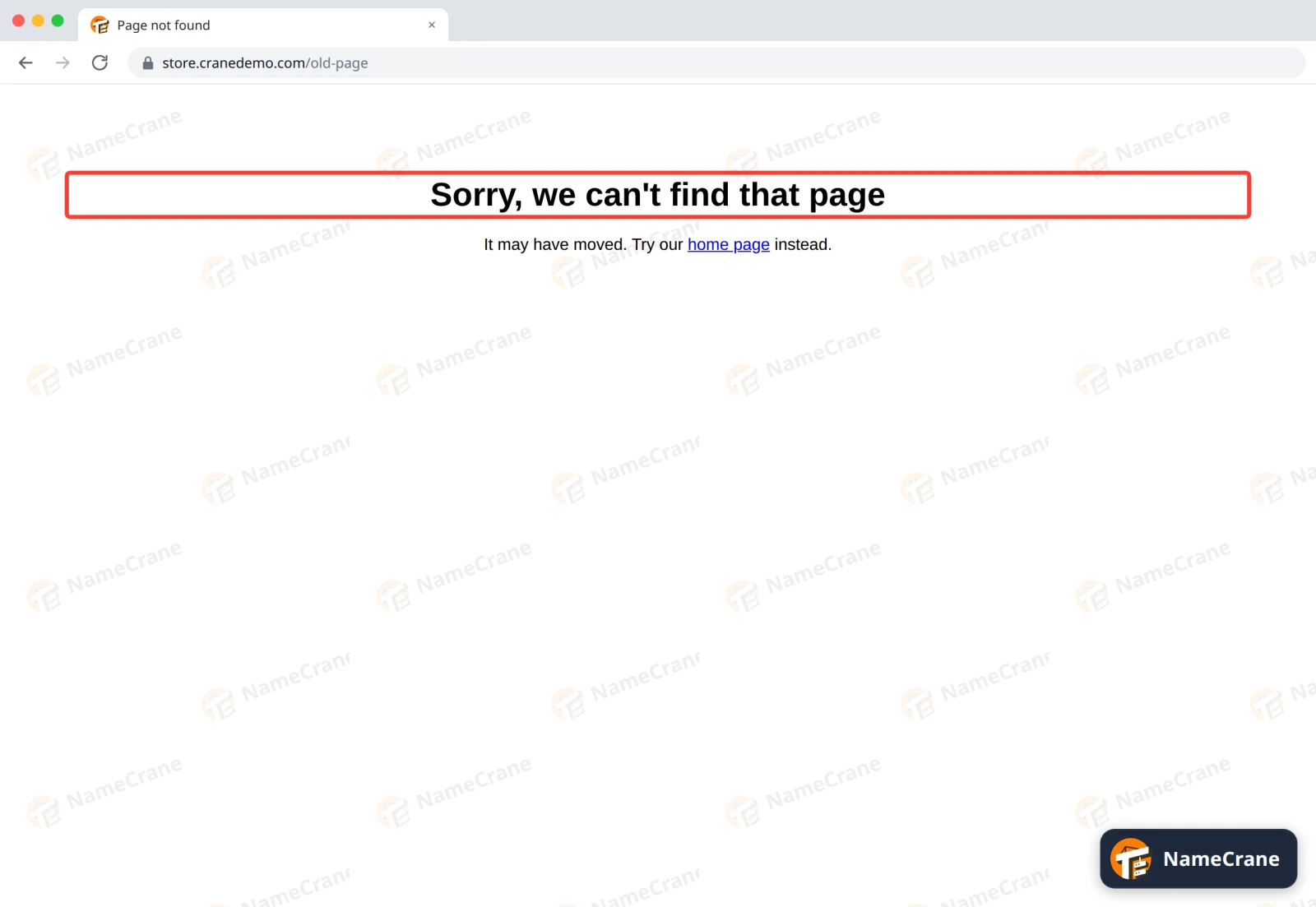
Your page still tells browsers and search engines that the page is missing (error code 404), so it won’t harm your search rankings.
Troubleshooting
| Problem | What to do |
|---|---|
| I still see the old page | Check you edited the file in the right domain’s public_html folder. If your site runs WordPress or another app, it shows its own 404 page: change it in the app. |
| Images or styles are missing on my error page | Start links with / or https://, such as /images/logo.png. The error page can appear at any address on your site, so short relative links break. |
| I want the original page back | Upload the copy you downloaded, or contact support and we’ll put it back for you. |
Snagged on something? Contact support and we’ll get you sorted.